About Bank Payments
Regular Salary Payment
You can set up an employee's regular pay in their employee details, under "Salary."
Here's what to do:
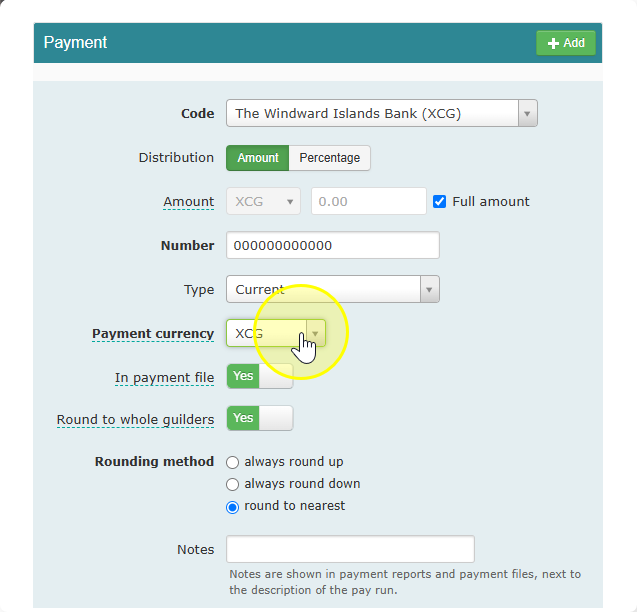
- Go to the payment section.
- Add the employee's bank account.
- Pick the right bank code for their bank (Celery has a list of banks for your country).
- If you want to pay the full salary, check the "full amount" box.
- You can also choose to always round the amount up or down.
Can't find the employee's bank in the list?
Set their bank to "Other bank" and type in the bank's name. But note: you won't be able to include this bank in a payment file (the file you send to your bank to make payments).
Missing a bank? Email us at support@celerypayroll.com. We add new banks based on customer requests, so let us know!
Sending a Fixed Amount to Another Account
Want to send part of the pay to someone else, like an ex-partner or a savings account, every period? You can set this up the same way as above. The only difference: instead of checking "full amount," you type in the fixed amount to send.
Heads up: You can't change this amount during payroll. So this option won't work for things like:
- Wage garnishments (court-ordered payments)
- Payments that change each month
Need to change the amount sometimes? Use a "fixed wage code" payment instead. These can also go straight into your payment file.
Rounding Amounts
You can choose to round payments to whole numbers. The rounding rules depend on your country's currency.
Any small differences from rounding get recorded under wage code 990. You'll see this on the payslip too.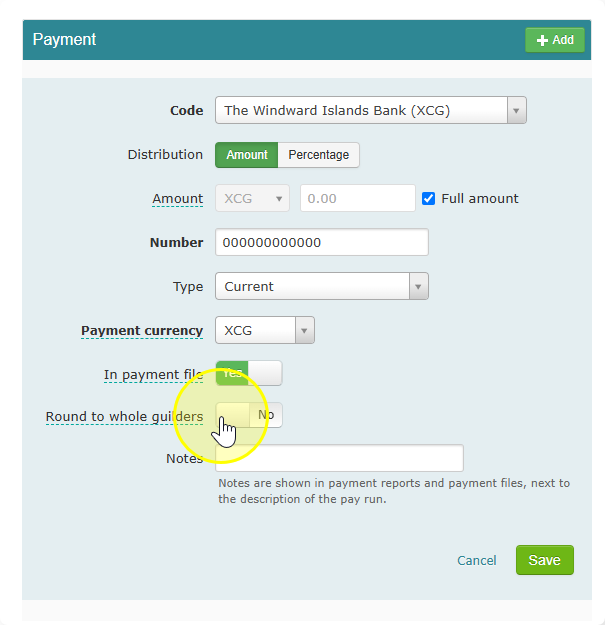
Showing a Second Currency on the Payslip
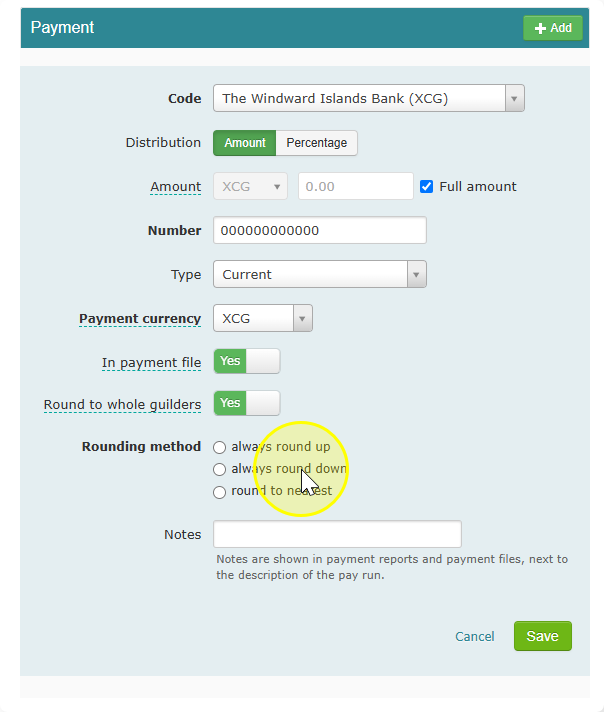
Want to show the salary in two currencies on the payslip (your normal currency plus another one)? You can turn this on in the payment settings.
Want to know more? Check our guide on setting up other currencies.
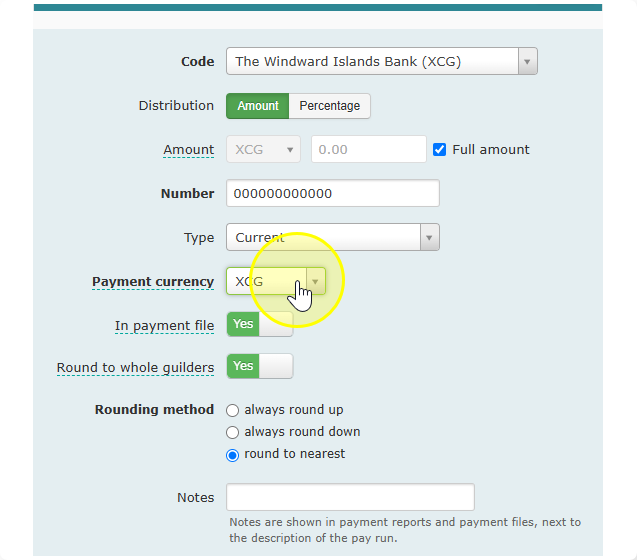

More information about setting up alternative currencies can be found in our explanation about currencies.
Paying Through a Fixed Wage Code
In Celery, you can hold back money under different wage codes and send that money to a bank account.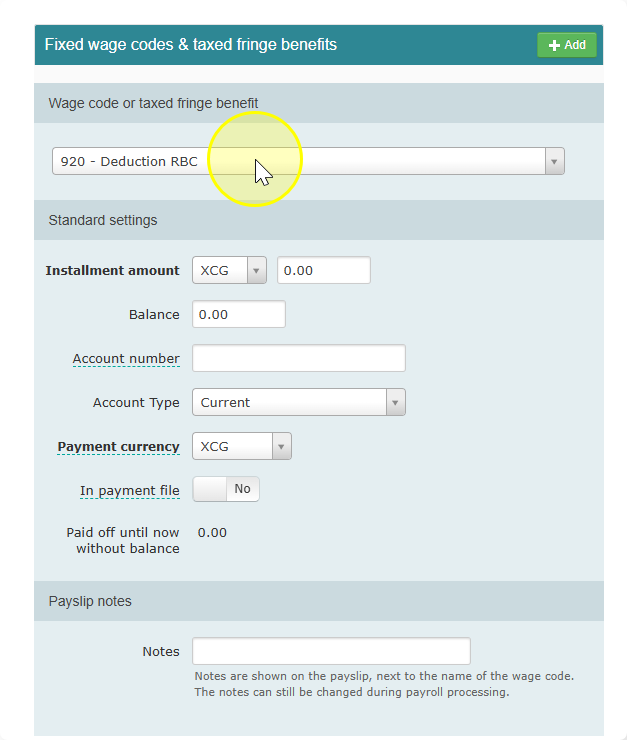
Good to know: you can change this amount once during the current payroll run, if you need to.
Want to learn how to set these up? Check our guide on wage codes with a balance.
Ready to pay everyone? Check our guide about payment files to learn how to create a file your bank can use.