HRM - step 5: Add a contract and manager to your employees
In this step, you link each employee to their contract and their manager.
Here's what to do:
- Go to the Employees tab in the system.
- Open the Career Overview section for each employee.
- Add their current contract (for example: full-time, part-time).
- Add their manager (the person they report to).
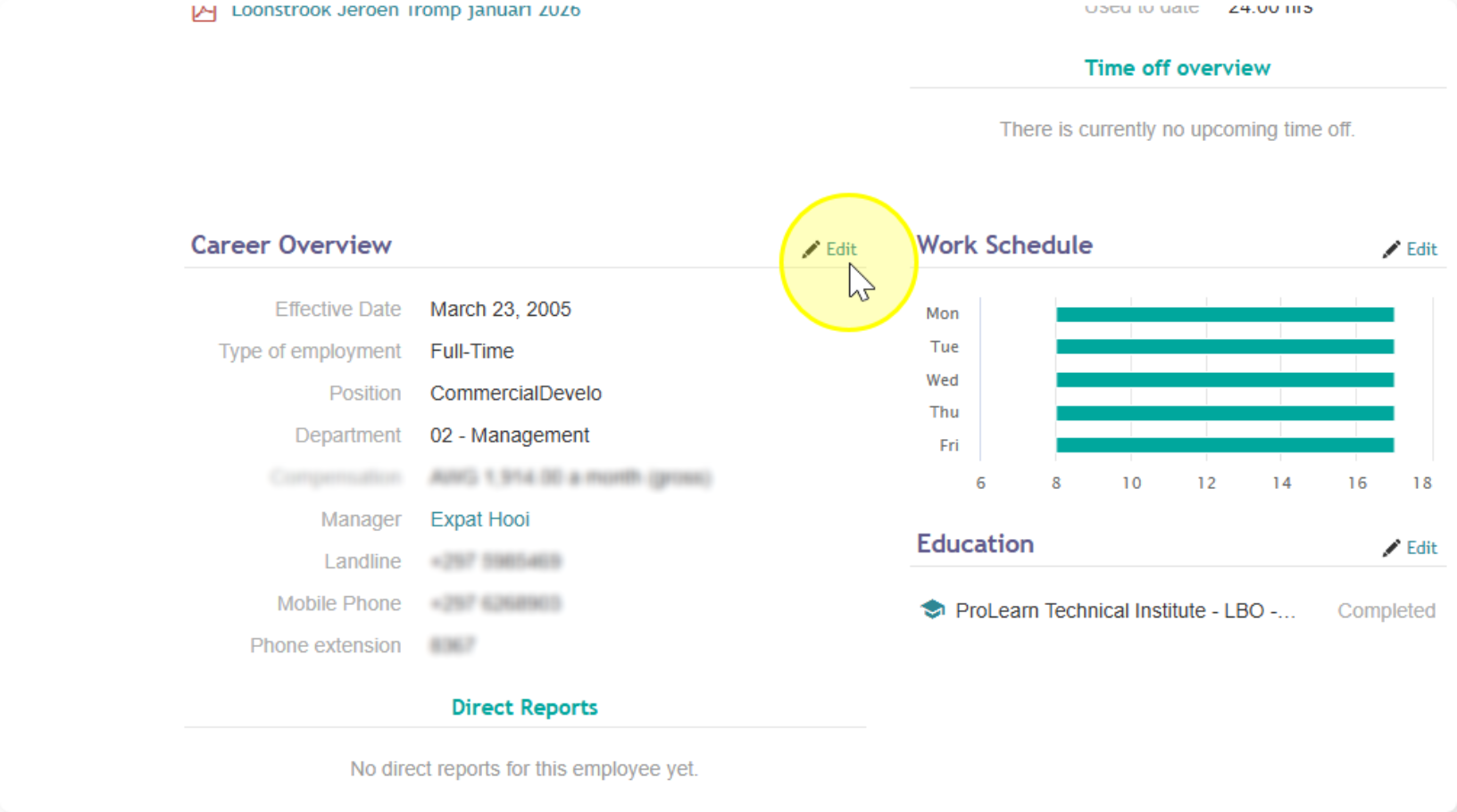 Click here for the full guide on Career Overview
Done with this step? Move on to the last one:
Step 6 — Add employees to time-off policies and activate