Payroll - step 6: (Optional) Set up your own general ledgers
Celery already comes with a ready-made list of more than 70 general ledgers. You don't have to change anything — payroll works straight away.
But if your company uses its own general ledgers, or if you want to connect Celery to your accounting software, this step is for you.
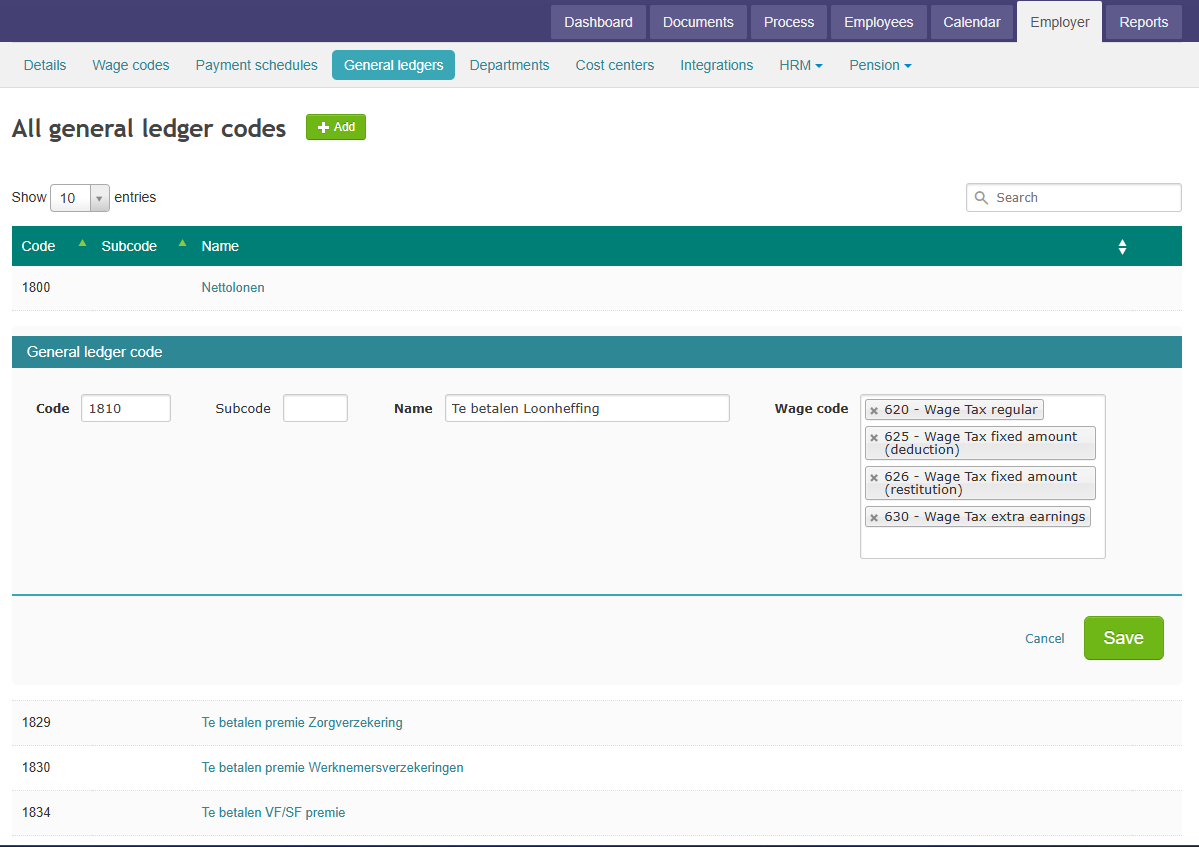
The easiest way to do this: Rename or renumber an existing Celery general ledger instead of creating a new one. This way, all the payroll settings that were linked to that general ledger stay connected automatically.
Helpful guides:
- Set up your own general ledgers
- Export payroll data to your accounting software
- Set up cost centers(to split costs by department or project)
This step is optional. Skip it if you're happy with Celery's default setup.