HRM - Optional - Add Your Own Holiday
Sometimes you want to give your team a day off that isn't on the standard list. For example:
- A holiday from another country your team follows
- A special day off to celebrate your company's anniversary
You can add these days yourself. Here's how:
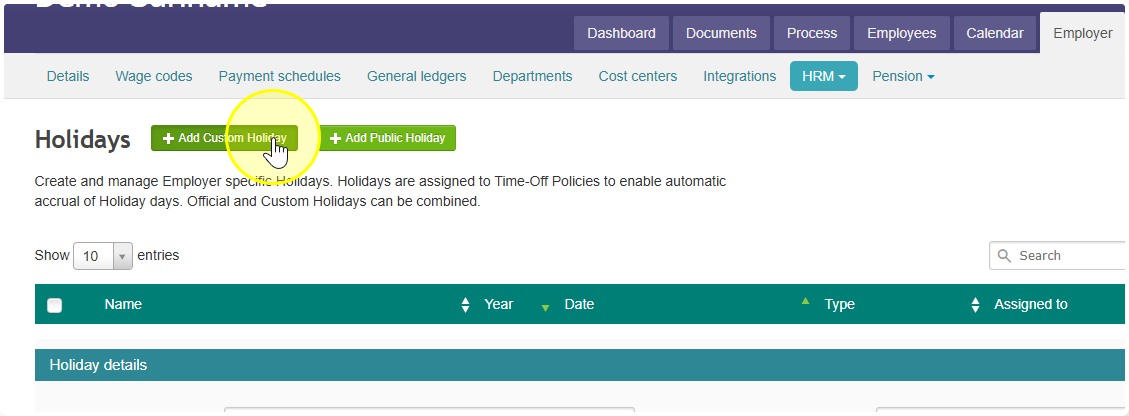
- Go to Employer → HRM → Holidays
- Click Add Custom Holiday
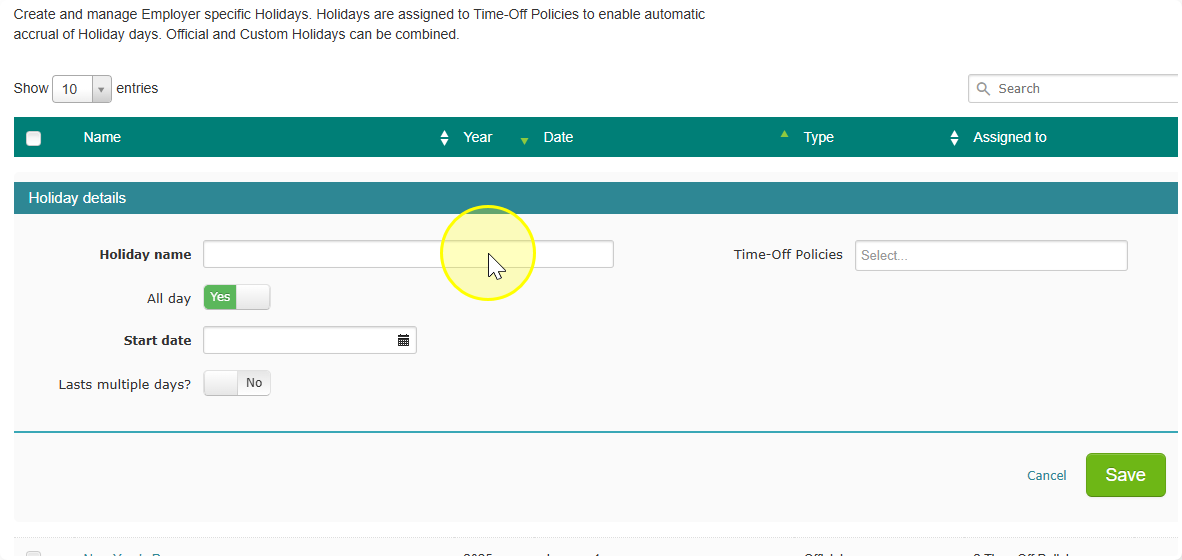
- Fill in the details for the day
- Link it to your leave arrangements so it shows up correctly
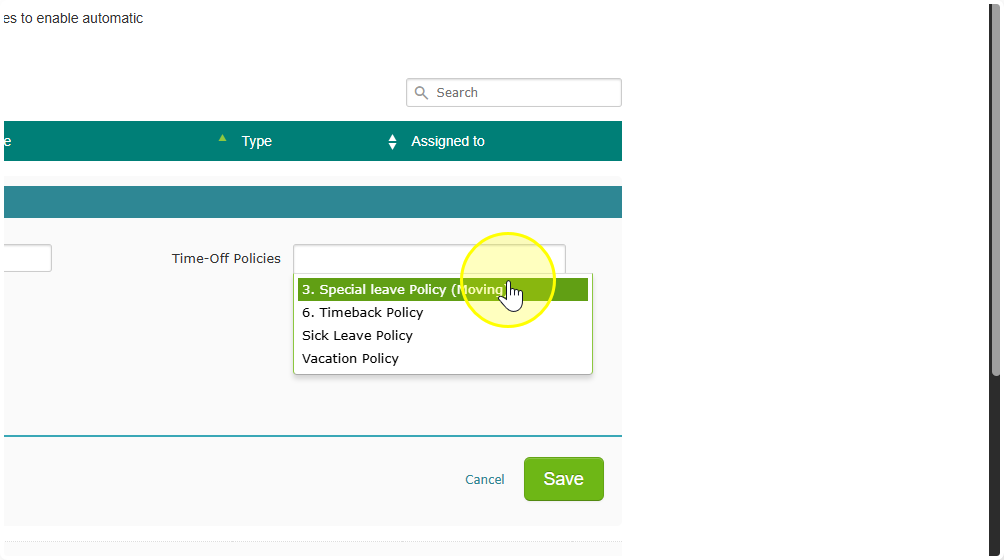
Not sure how to link it? Check the guide on Setting Up Public Holidays — it shows you exactly how.
That's it! The day will now be part of your team's leave calendar.