Employment Details: Contract Status
In Celery, every employee has a contract status. This shows where the employee stands in their employment. You set this status on the employee's contract details tab. There are three options.
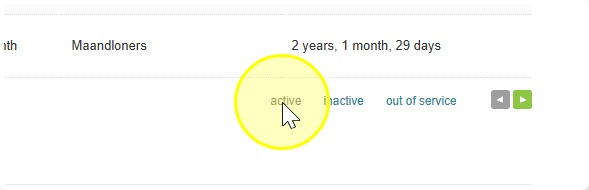
1. Active
The employee has a valid contract and gets paid every payroll run.
- You'll find these employees under "Active" in the employee overview.
2. Inactive
The employee still has a valid contract, but isn't working or getting paid right now. For example: someone on sabbatical, a seasonal worker, or an hourly employee who hasn't been called in for a while.
- To set this, go to the employee's contract data and switch "Active employee" to No.
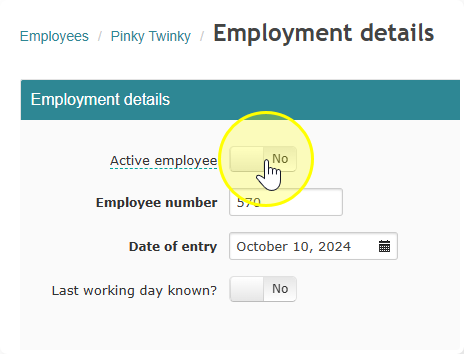
- The employee then shows as inactive in the employee overview.
- Since there's no pay slip for them, they won't be invoiced.
- If you use the HRM module, this employee also won't count toward HRM billing (as long as the integration is turned off).
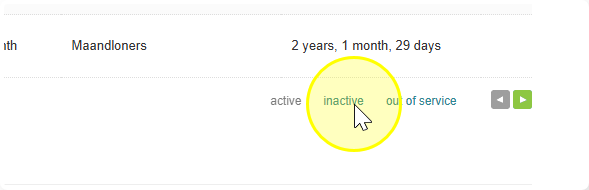
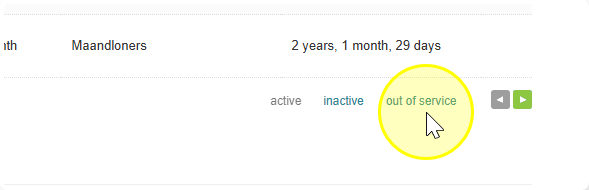
3. Out of Service
This is for when the contract has ended for good — the employee is no longer working for the employer.
- Go to the employment details and switch "Last working day known?" to Yes.
- Enter the last day of their contract.
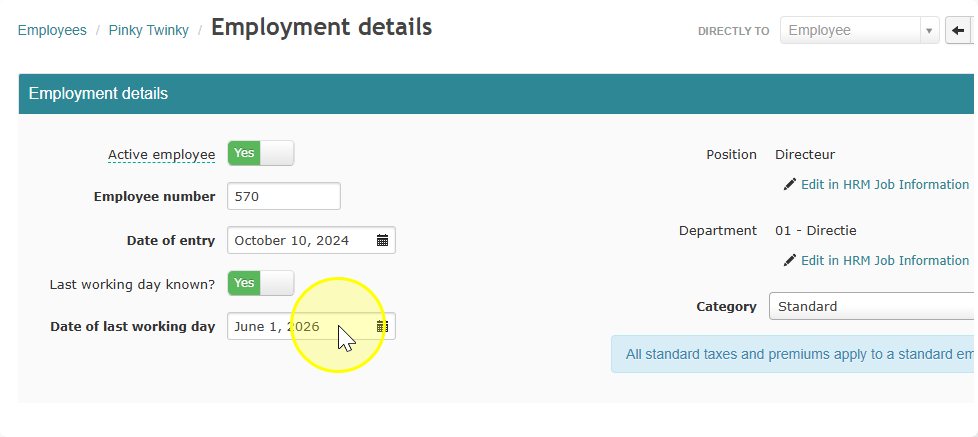
Important: Do this before you process their final payroll run.
What happens next:
- The last working day appears on the pay slip.
- A correct final tax and premium statement is created for the employee.
- You'll need to add the number of days and hours still owed for the month they left.
- You'll find them under "Out of service" in the employee overview.
A word of caution: Don't use "Out of service" just to track when a temporary contract is ending — this risks accidentally underpaying someone. Instead, use the HRM module. It lets you track the full employment timeline, from start date to last working day, under Job Information, and keeps the complete history available.