Register Cost Centers for Closed Pay Runs
- Find the employees who worked in the closed (already processed) pay runs but do not yet have a Cost center connected to them.
- Add the correct Cost center(s) to each of these employees.
- Make sure every employee is connected to Cost centers that add up to 100%. For example, one employee could be 100% in one Cost center, or split between two Cost centers that together make 100%.
Note: If an employee is not fully connected (100%) to one or more Cost centers, the salary journal will be incomplete and numbers may be missing. - Go to Reports.
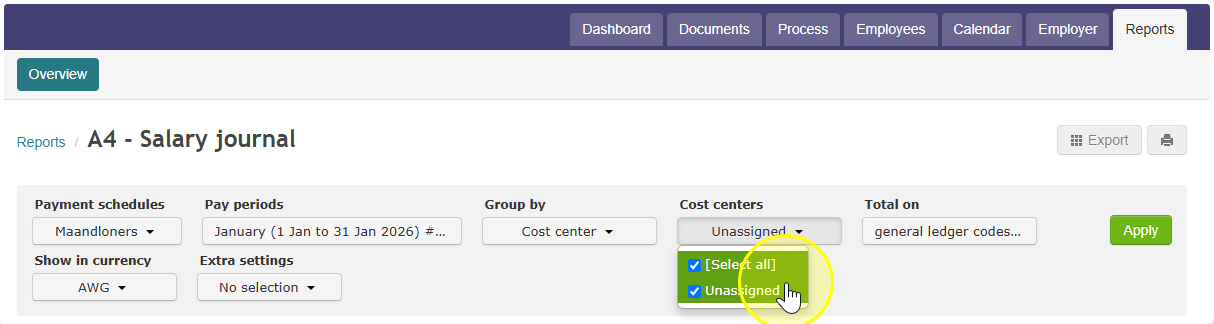
- Open X4 Salary journal.
- Under grouping options, select Group by Cost Centers.
- Select the Cost center(s) you want to include in the report.
- Generate the salary journal.
Result: The report now shows the salary journal split by Cost center — including for pay runs that were processed and closed in the past.
Note: You do not need to reopen the closed pay runs to do this. Once the employees are linked to Cost centers, the X4 Salary journal report will use that information automatically, even for old pay runs.