Removing a Pay Run Cannot Be Undone
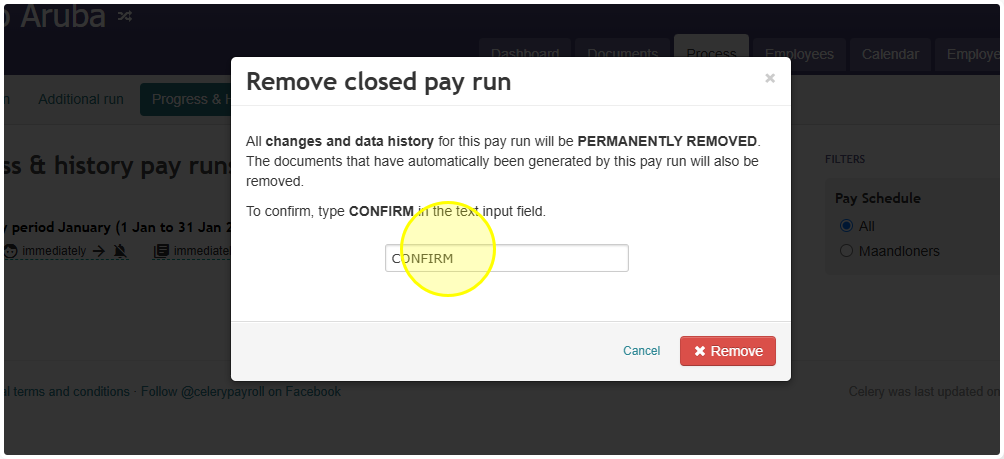
- If you removed a pay run and typed in "Confirm" to confirm it, the pay run is now permanently deleted.
- There is no backup to reinstall. Once a pay run is removed this way, it cannot be recovered — not by you, and not by support.
- Before removing a pay run in the future, double-check that you have selected the correct one. Look at the pay run's dates and name carefully before confirming.
- If you are asked to enter the word "Confirm" before removing a pay run, treat this as your last chance to stop. Only enter "Confirm" if you are completely sure this is the pay run you want to remove.
Note: If you need this pay run's data again, you will need to recreate it manually using any records you have saved elsewhere (for example, exported reports or payslips).