How to Add a Back Payment or Advance Payment to a Pay Slip
- Find wage code 410 in the system. This is a special code that does not get taxed and does not show up in the "untaxed allowances" section of the annual Wage Tax Card (in Dutch: Jaaropgaaf, Loonbelastingkaart, and Loonopgaaf).
- Duplicate (copy) wage code 410.
Note: Duplicating means making a copy of it, so you don't change the original code.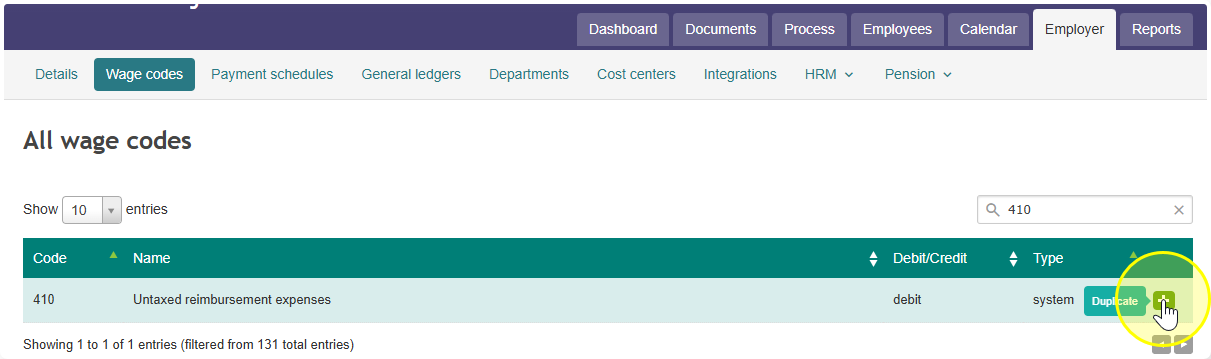
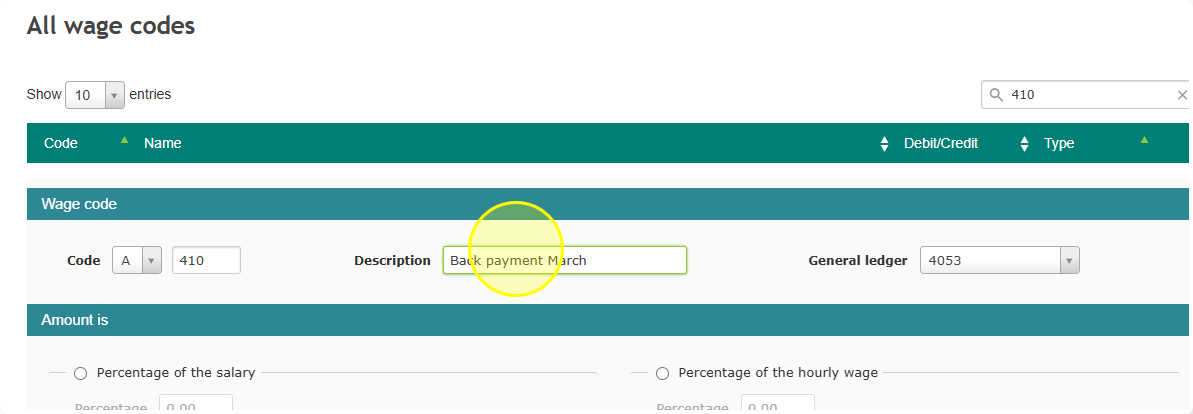
- Give your new copy a clear name that tells you what it's for. For example: "Back payment March" or "Advance payment."
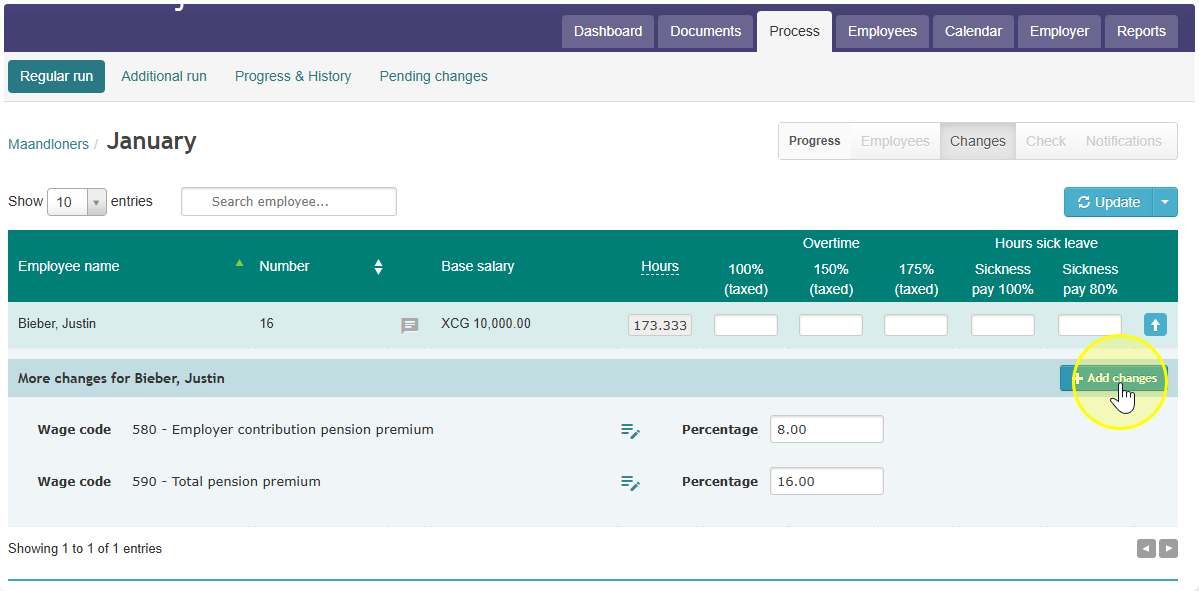
- Open the pay slip of the employee who needs the payment.
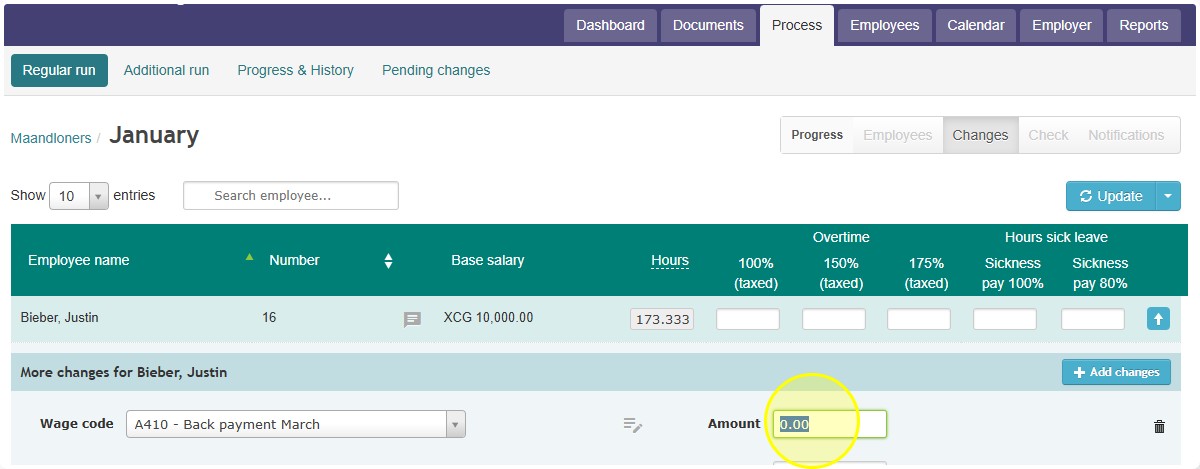
- Enter the amount in this new wage code:
- If it's money owed from an earlier period (already taxed before), enter that amount.
- If it's an advance payment, enter that amount instead.
- Finalize the pay run as you normally would.
Note: Because wage code 410 is untaxed, use it only for money that should not be taxed again — such as an amount already taxed in an earlier period, or an advance that will be settled later.