Bulk edit: step by step
How to edit many employees at once
- Check the box next to each employee you want to change (or check the box to select everyone). A button called Bulk Edit will show up above the list.
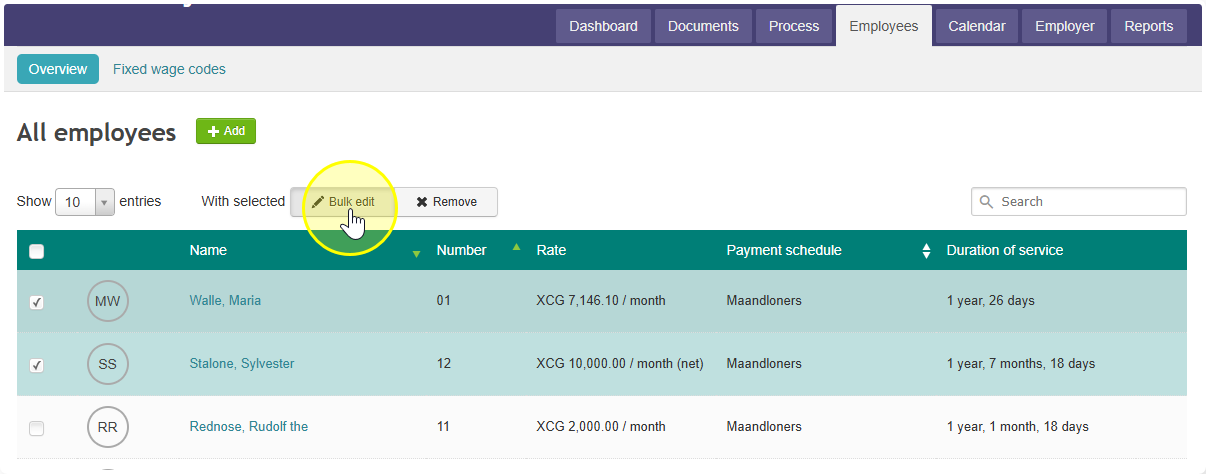
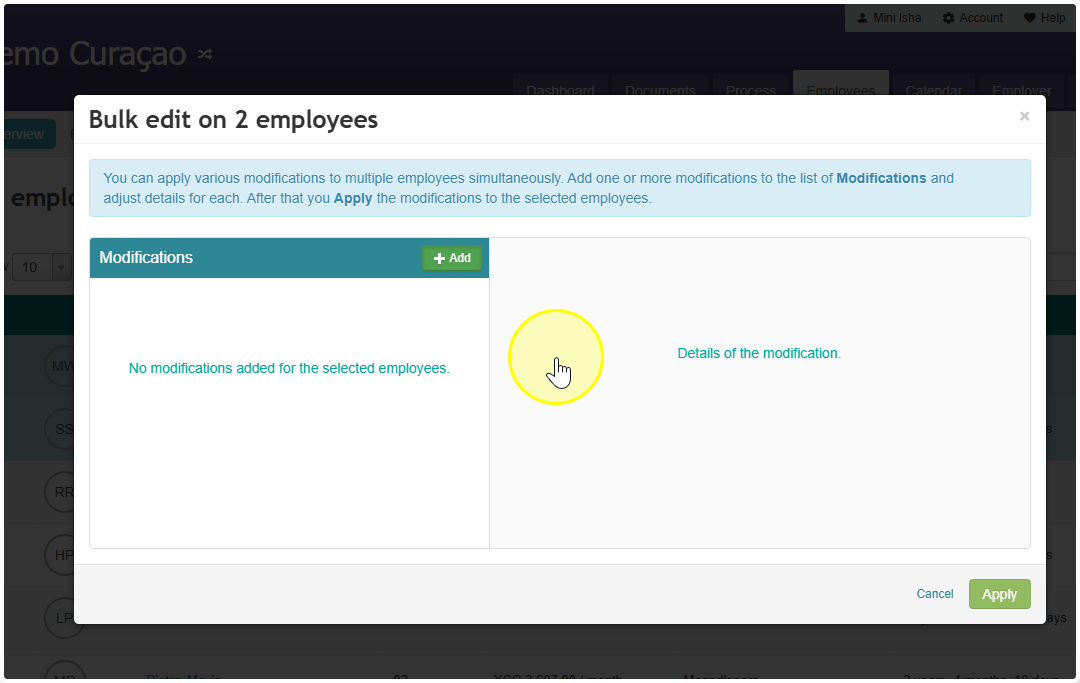
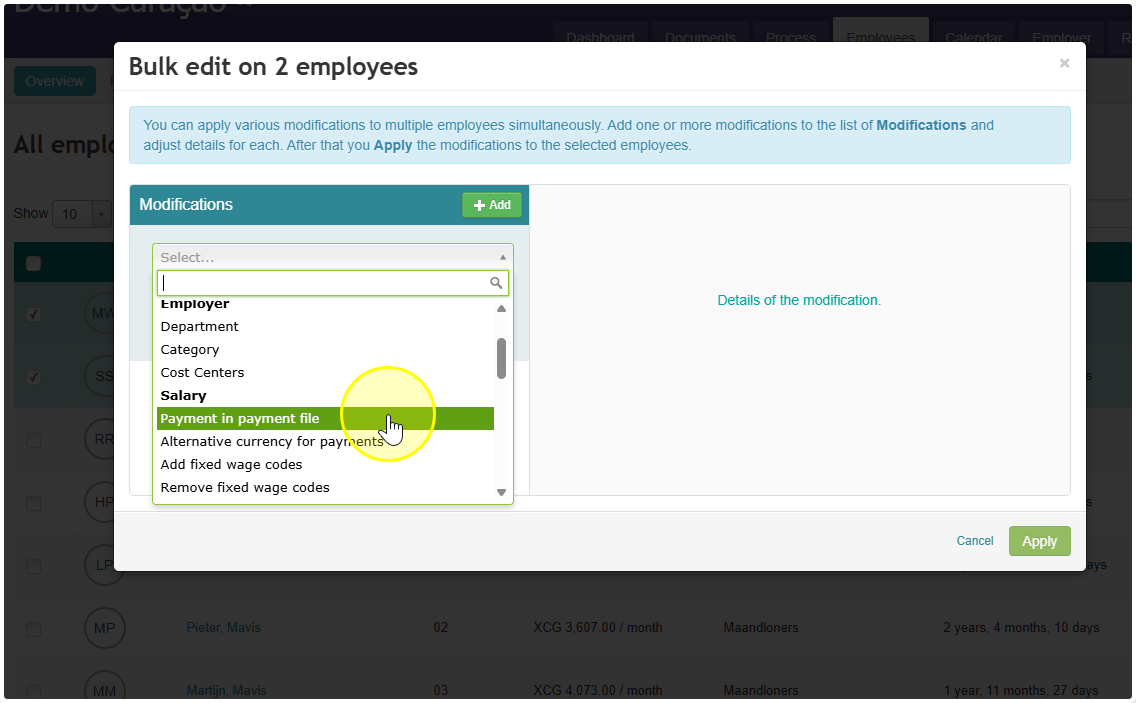
- Click Bulk Edit. Then click the green Add button next to "Modifications." Pick what you want to change.
- Turn on the option you picked, then click Apply. That's it — the change applies to all the employees you selected.
Did you find it helpful?
Yes
No
Send feedback Sorry we couldn't be helpful. Help us improve this article with your feedback.