Checking Employee Account Status
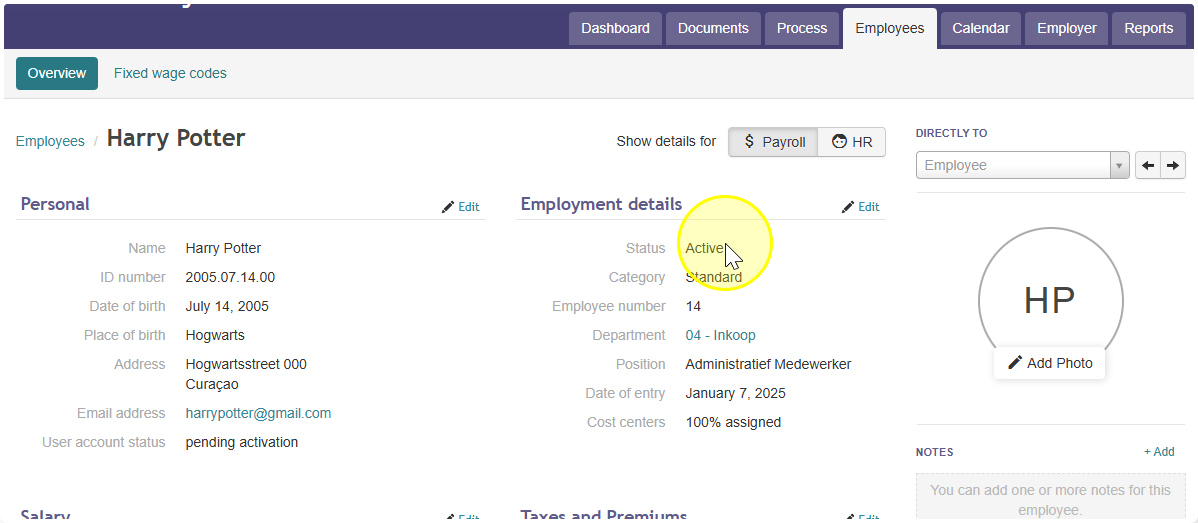
To check one employee:- Go to the employee's Employee Details page.
- Look for the account status shown there. This tells you the current status of that employee's account.
To check all employees at once:
- Go to Reports.
- Click Annual Reports.
- Select Report 16 - Employee List.
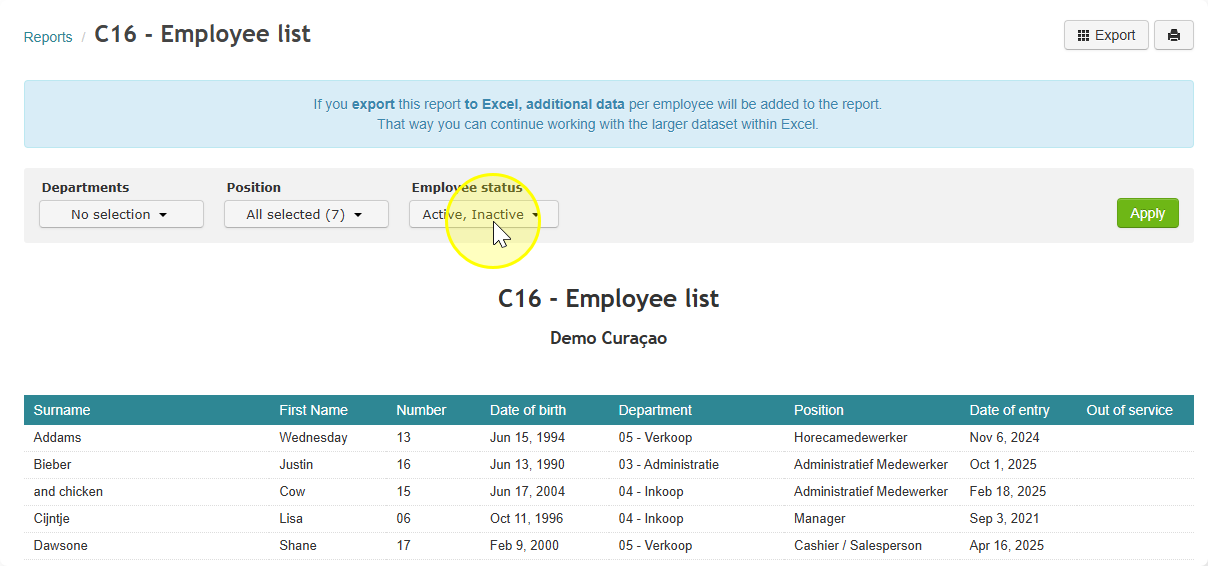
- Click Export to download or open the report.
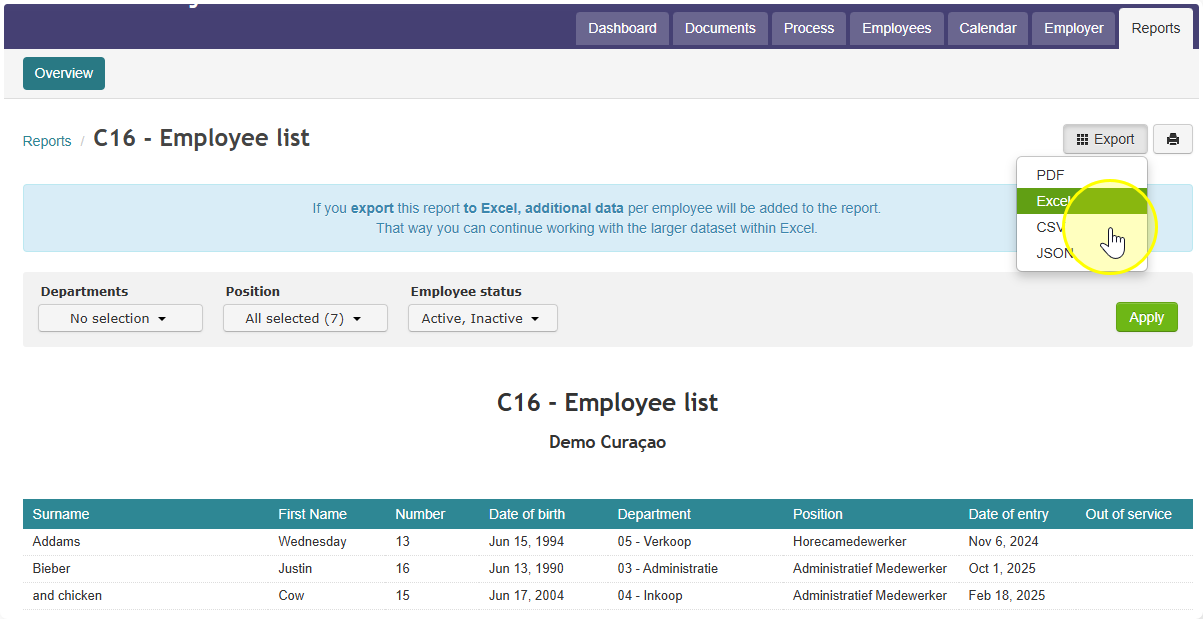
- Export the report to Excel.
Note: The Excel version includes extra details for each employee, including their account status, that you won't see in the report preview.
Did you find it helpful?
Yes
No
Send feedback Sorry we couldn't be helpful. Help us improve this article with your feedback.