I removed a second payroll run, but now I can't see the documents from the first payroll run I already processed. Why?
When you process a payroll run, Celery automatically archives the documents from the payroll run before it. That's why the documents from your first payroll run disappeared you'll find them under Documents, marked as archived.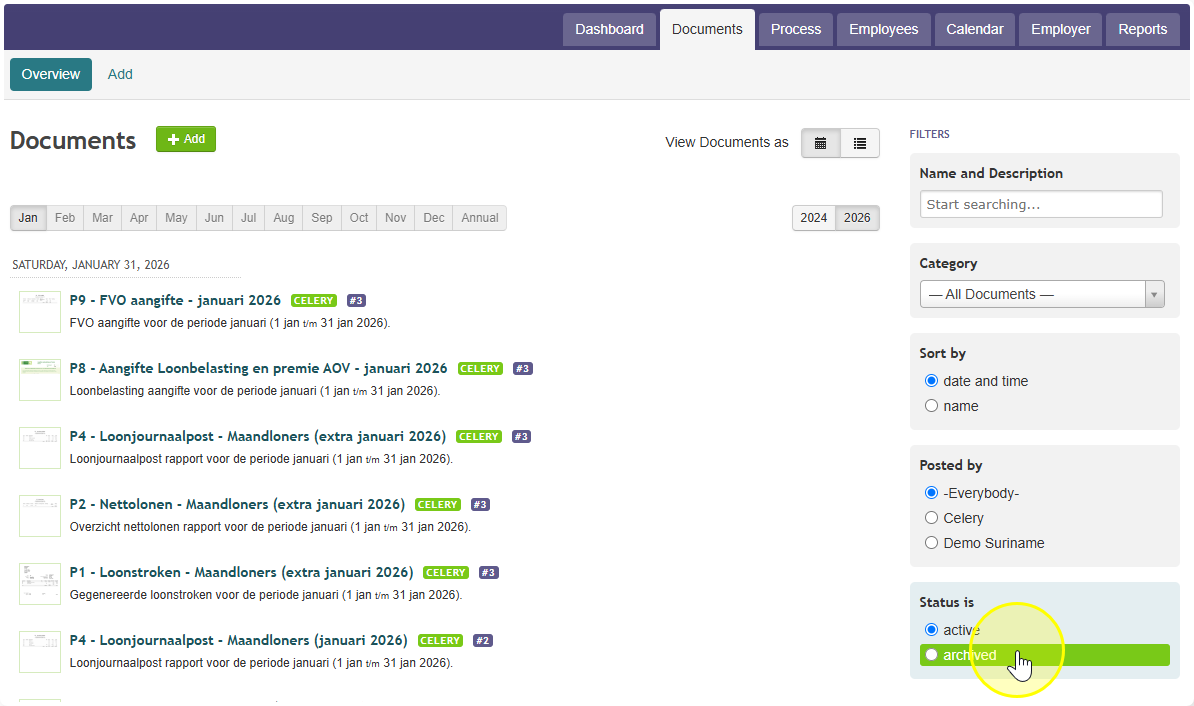
Good news: you can make them "active" again yourself. Just go to Documents - Archived filter and and click on the folder icon.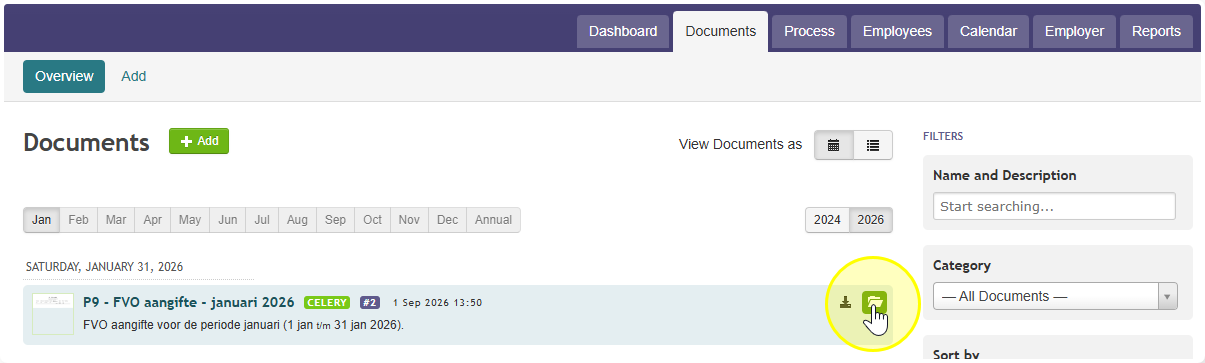
We can't do this switch back automatically. Here's why: you can also archive documents yourself on purpose. If we automatically un-archived everything, it would undo choices you made on purpose too.