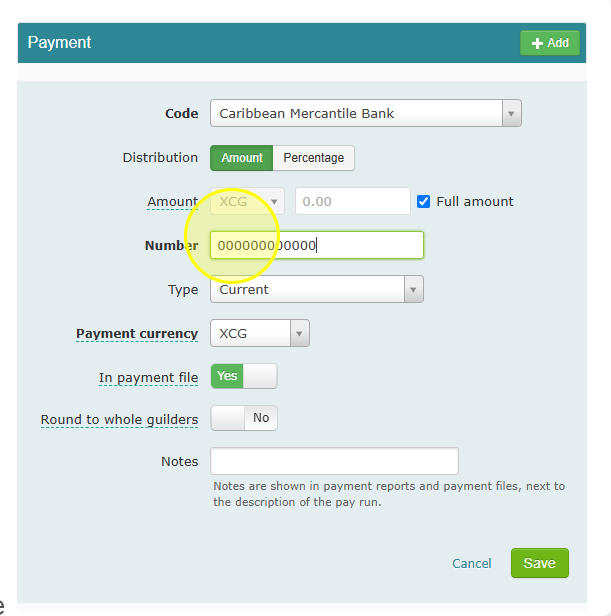
Bank Account Prefixes for CMB, MCB and WIB Payment Files
- You do not need to type "DDA" or "SAV" in front of a bank account number yourself.
- Celery adds this automatically, based on the account type you selected earlier: "Current" or "Savings".
- When you generate a digital payment file, Celery checks that setting and puts the correct letters (DDA or SAV) in front of the account number for you.
Note: Make sure the account is set to the correct type ("Current" or "Savings") beforehand. If this is set wrong, the wrong letters (DDA or SAV) will be added to the payment file.