Account user for HRM features and tasks
To use HRM features (things like managing employees and running payroll), a person needs their own account in the system.
How to add a user:
- Go to Account
- Click Users
- Click Add
- Create a new Standard User. Guide: Adding and Removing Account Users
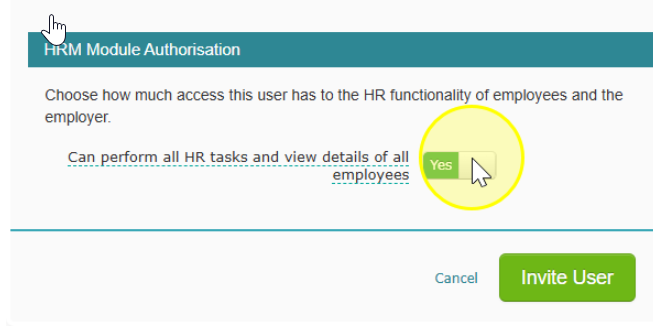
- Make sure Can perform all HR tasks and view details of all employees is turned on