Change Notification Dates for Closed Pay Runs
- Go to Process.
- Click Reopen pay runs.
- Find and reopen the pay run you want to change.
- Change the notification dates for the email notifications.
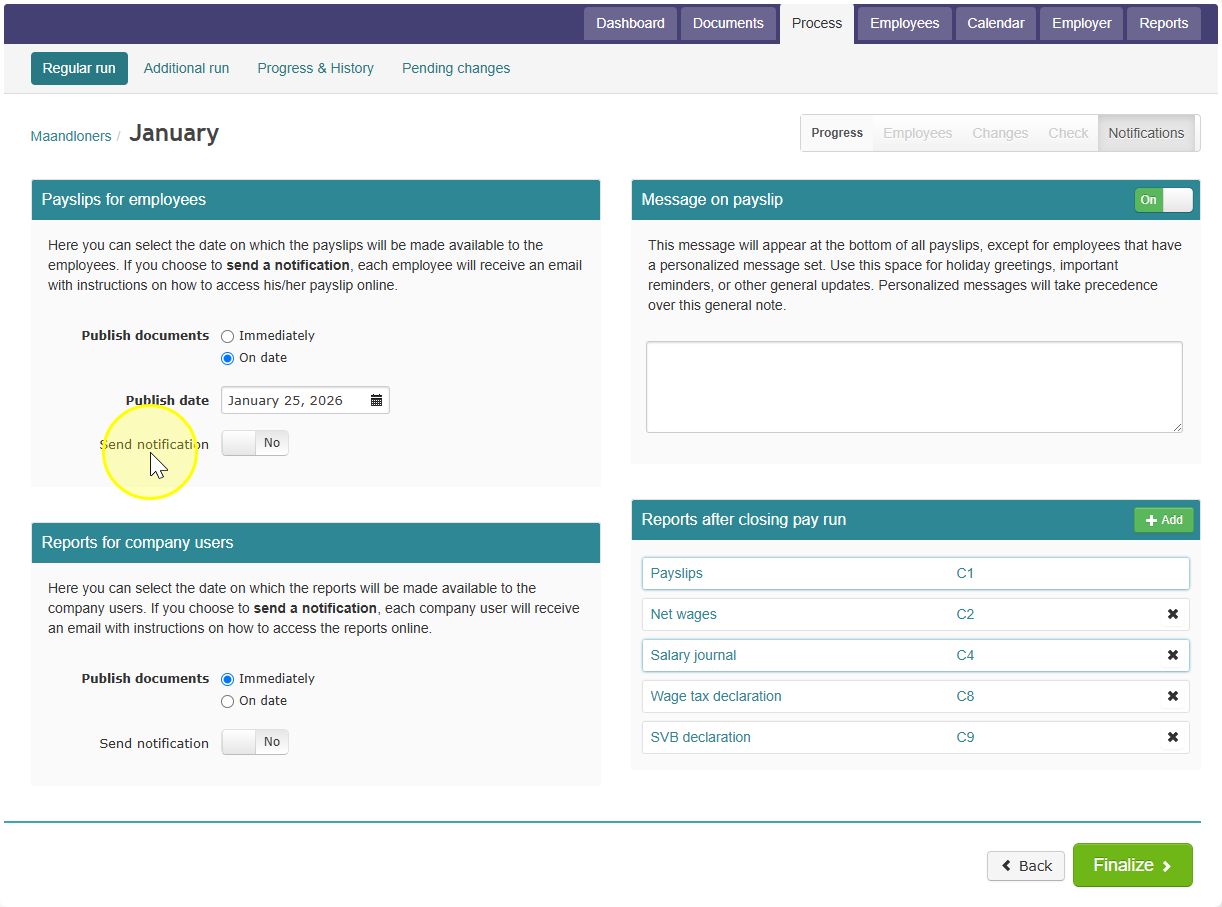
- Close (finalize) the pay run again.
Tip: Always set a notification date when you close a pay run, even if it is not approved yet. This saves you work later. If the pay run turns out to have no errors and gets approved, you will not need to do anything more — the notification dates are already set.