Finalizing a Pay Run After Approving Pay Slips
- After approving all the pay slips, click the green Next button at the bottom of your screen.
- On the next screen, click Finalize to close the pay run.
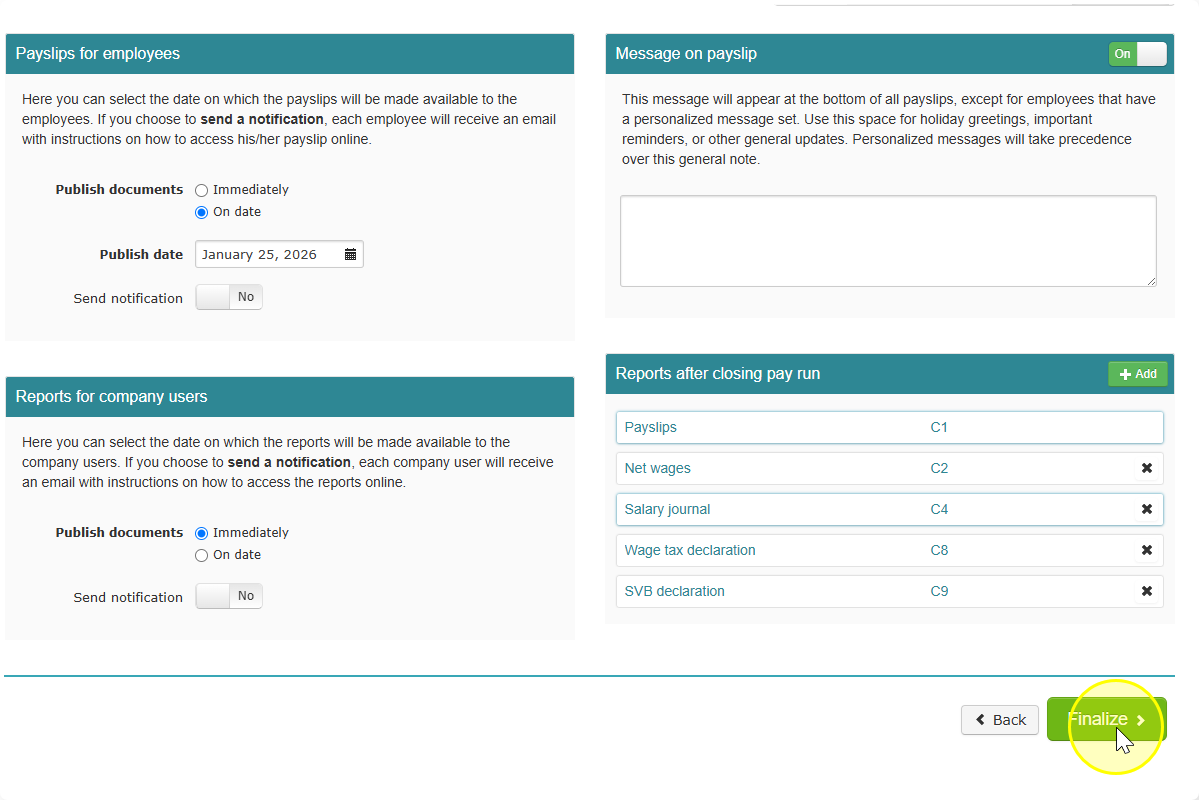
- Celery will now automatically generate all the documents you selected under Employer to be created automatically.
- Wait for a notification from Celery. This tells you the documents are ready.
- Go to the Documents section. Your generated documents will be there.
Note: If you don't see the "Next" button, make sure every pay slip shows as approved. The button may not appear until all pay slips are done.