Resetting a Password
Can I reset my employee's password?
No. You cannot reset your employee's password yourself.
Your employee must do this on their own.
What does your employee need to do?
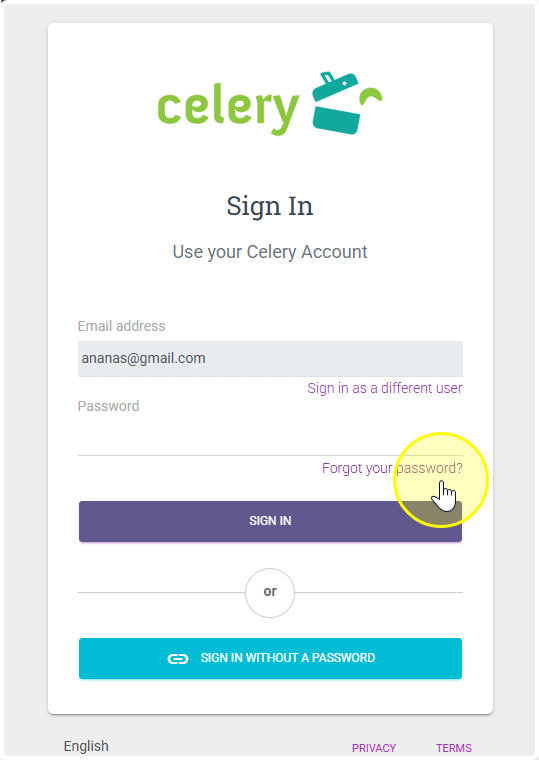
- Go to the Celery login page.
- Click "Forgot your password?"
- Enter the email address linked to their account.
- Check their inbox for a password reset email.
- Click the link and set a new password.
Check the spam folder if the email does not arrive.
Check the spam folder if the email does not arrive.