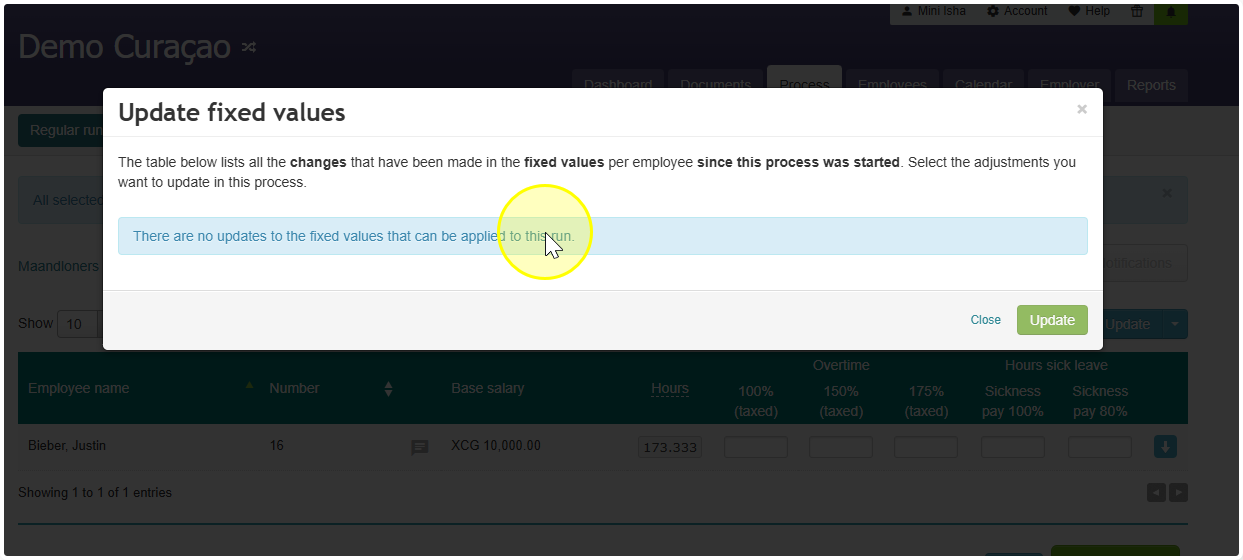
Adding a Fixed Data Change to an Open Pay Run
- Open the pay run.
- Change the data by going to the employee dashboard and adding a wage code or turning an option on.
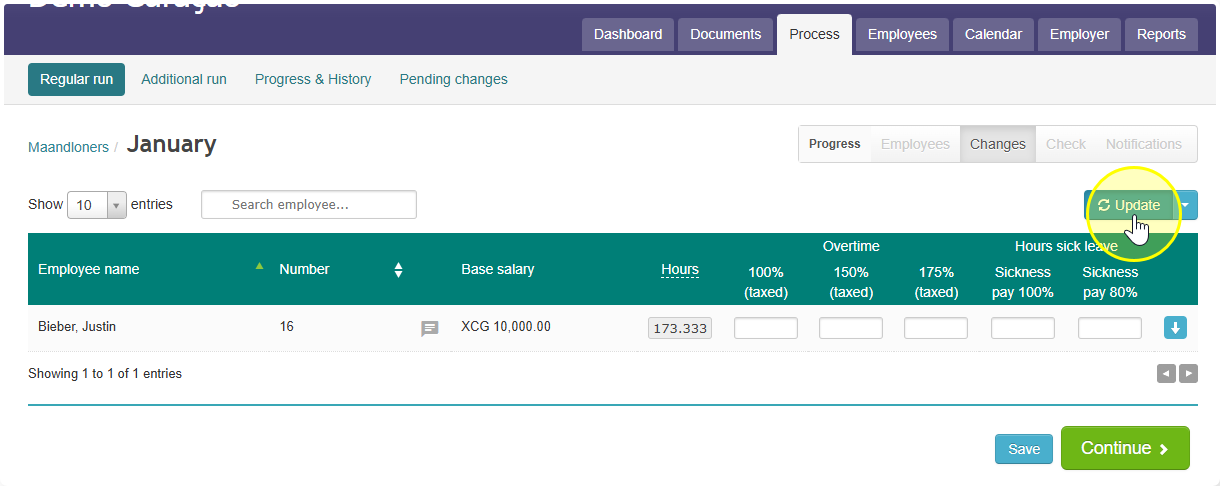
- Go back to the open run and click the blue Update button.
- A list of changes will appear. Select the change(s) you want to add to this pay run.
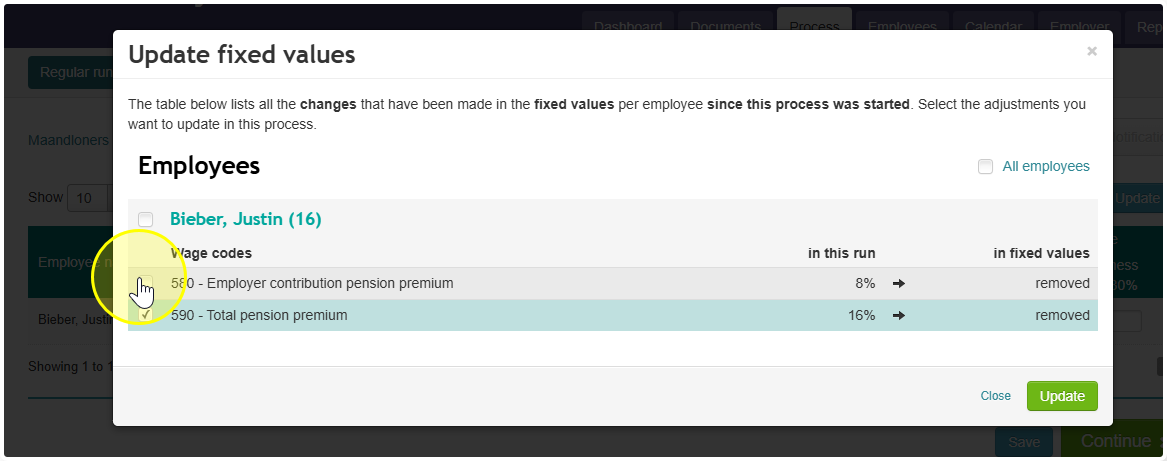
- Click Update to confirm.