How to switch to a different financial year
Go to the employer tab and change the year there.
A few things to know first:
- You can switch to a past year, or to next year (if it's already open).
- You cannot switch years while a payroll run is still open. Close it first.
- Changing to another year and back can sometimes cause small differences in already-processed salary, because Celery may have made updates since then. This can also affect other employees, not just the one you're checking.
Steps:
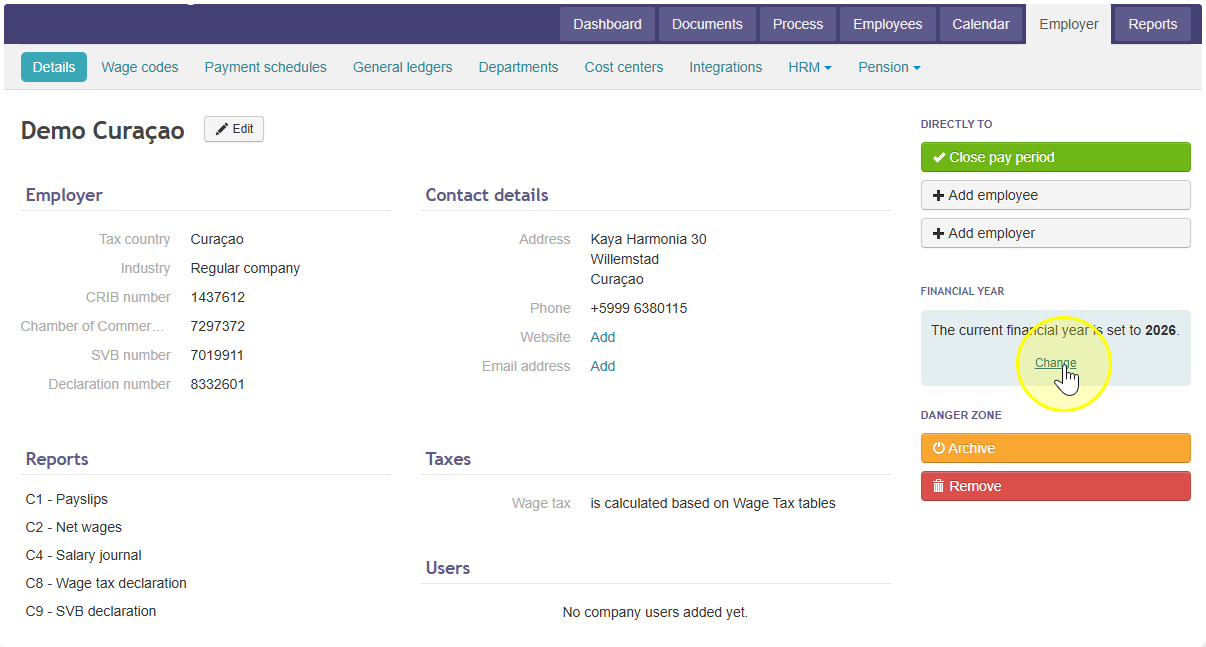
- Go to the employer tab. You'll see the current financial year listed there.
- Click Change.
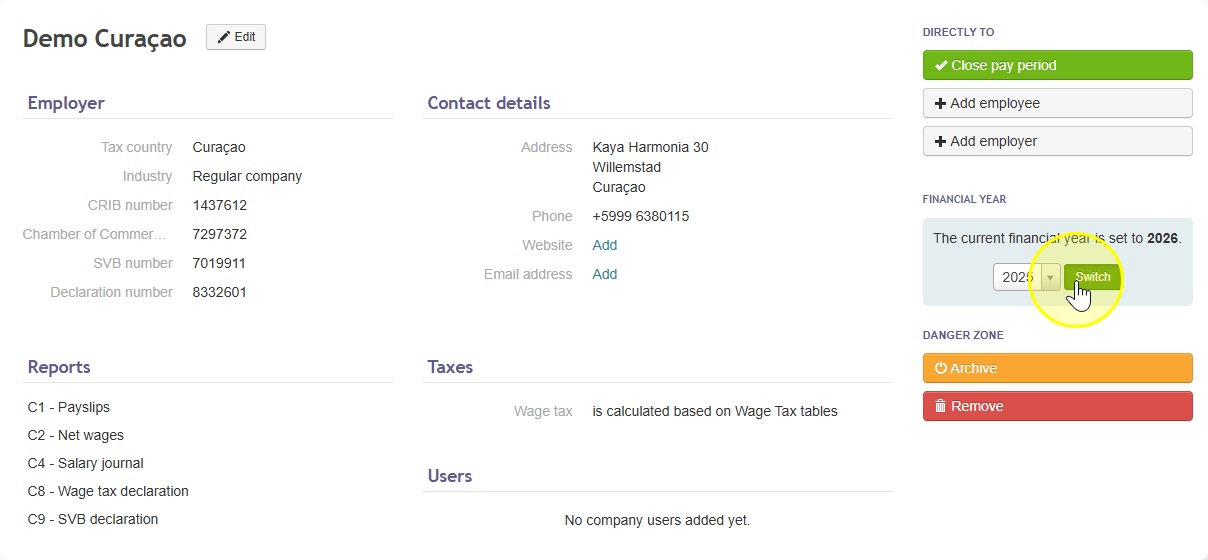
- Choose the year you want.
- Click Switch to change current financial year.
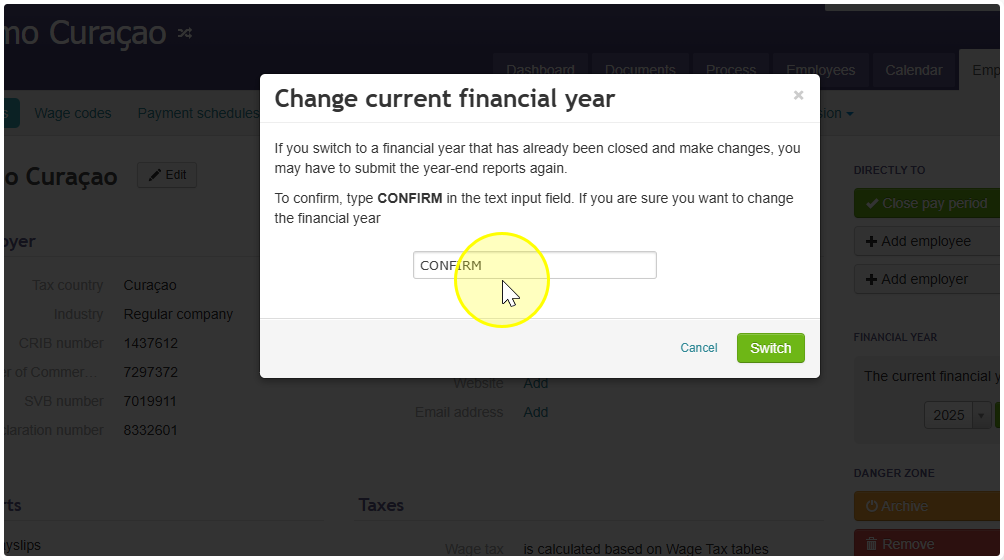
- Type CONFIRM, then click Switch.
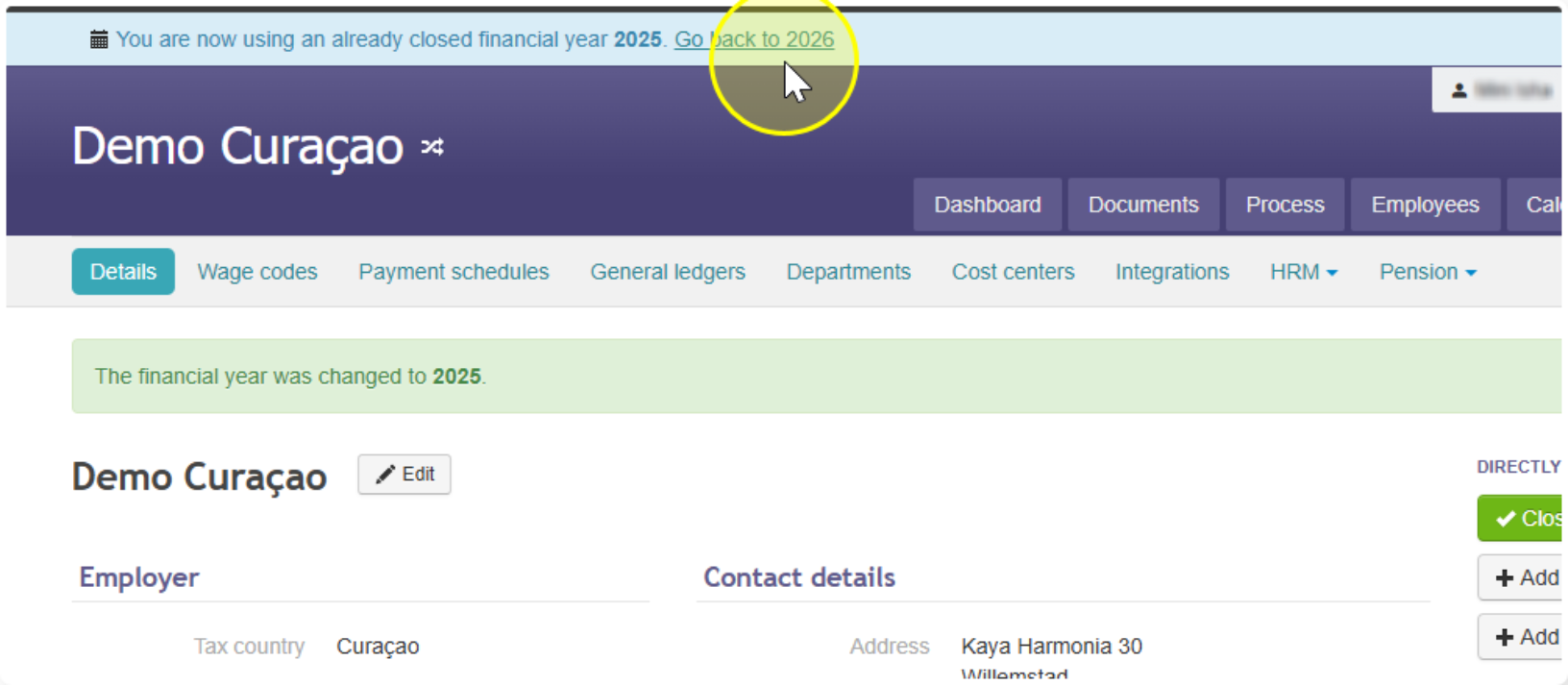
- Done — the financial year is now updated.
To go back to the year you started in: click the link at the top of your screen.