What does the "personal contribution" field do for things like a company car or phone?
Sometimes an employee pays some money out of their own pocket for a perk like a company car, phone, or house. When that happens, you enter that amount in the "personal contribution" field.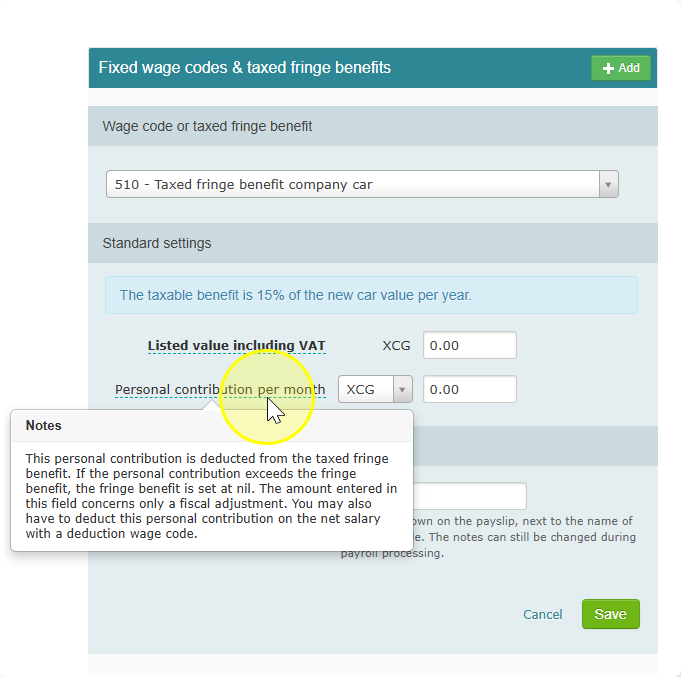
Here's what that does:
- It lowers the taxed value of the perk by the amount the employee paid.
- If the employee's payment is bigger than the taxed value, the taxed value just becomes zero (it won't go negative).
Important: This field only adjusts the tax calculation. It does not actually take the money out of the employee's pay.
So if you also need to collect that payment from their salary, you have to do one more step:
- Create a separate wage code for it.
- Add that wage code to the employee.
- This is what actually deducts the contribution from their pay.
In short: the "personal contribution" field fixes the tax number. If you want the money to come out of their paycheck too, you need to set that up separately with a wage code.