What "Process Later" Does for an Employee
- Open the payroll run you are working on.
- Find the employee whose pay you want to handle differently, and select Process Later for that person.
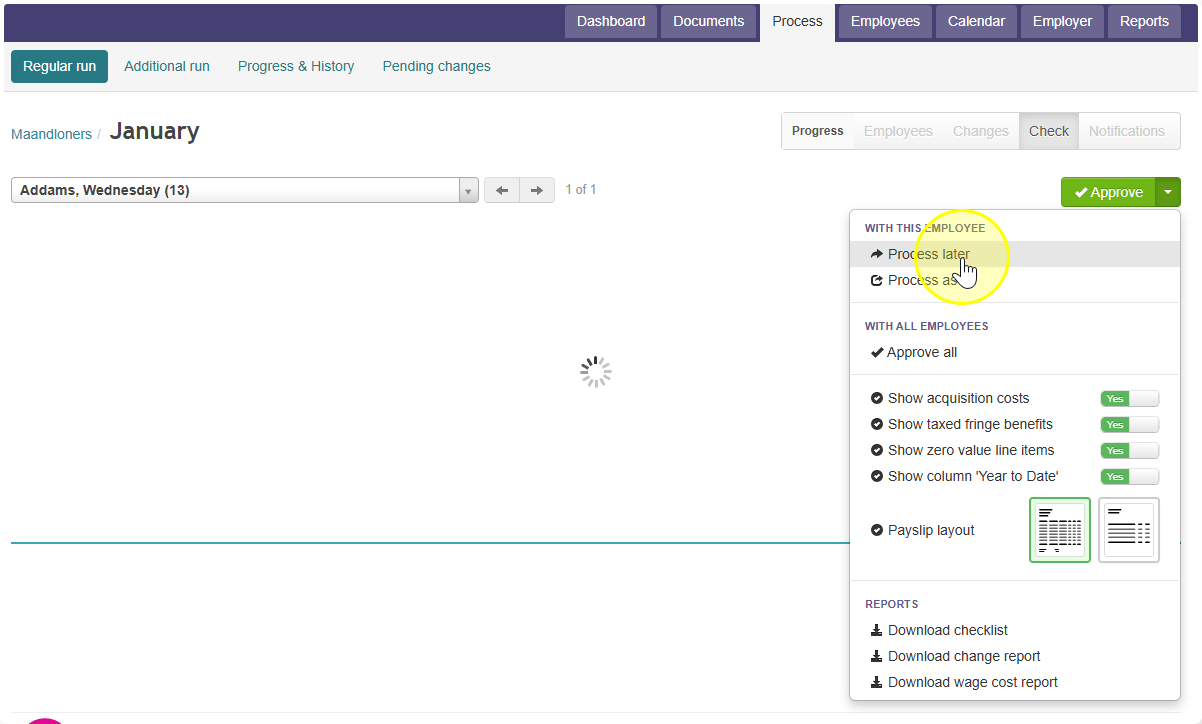
- What happens next: Celery leaves this employee out of the current payroll run. Everyone else in the run is processed as normal.
- When to use this: Use "Process Later" when something is missing or needs to change for this employee (like pay details or hours), but you still need to finish the payroll run for everyone else right away.
- What happens after: The employee's pay for this same pay period gets picked up again in the next payroll run. You do not lose the pay period — it just gets processed later, once the missing information is ready.
- If the employee should not get paid at all for this period (now or later), do not use "Process Later." Instead, select "Process Nil".
Note: "Process Nil" tells Celery this employee gets no pay for this period, full stop — it will not come back again in a future run.
Did you find it helpful?
Yes
No
Send feedback Sorry we couldn't be helpful. Help us improve this article with your feedback.