How to set up API access in Celery
The Celery API lets other apps (like a time tracking tool) connect to your data. You decide exactly what they can see — nothing more.
For example: a time tracking app only needs basic staff info. It does not need to see salaries or documents. You are in control.
Turn on the Celery API
- Go to Employer → Integrations → General integrations
- Click on Celery API integration
- Set Enabled to Yes
Save
Once the API is enabled, your developers can find everything they need here: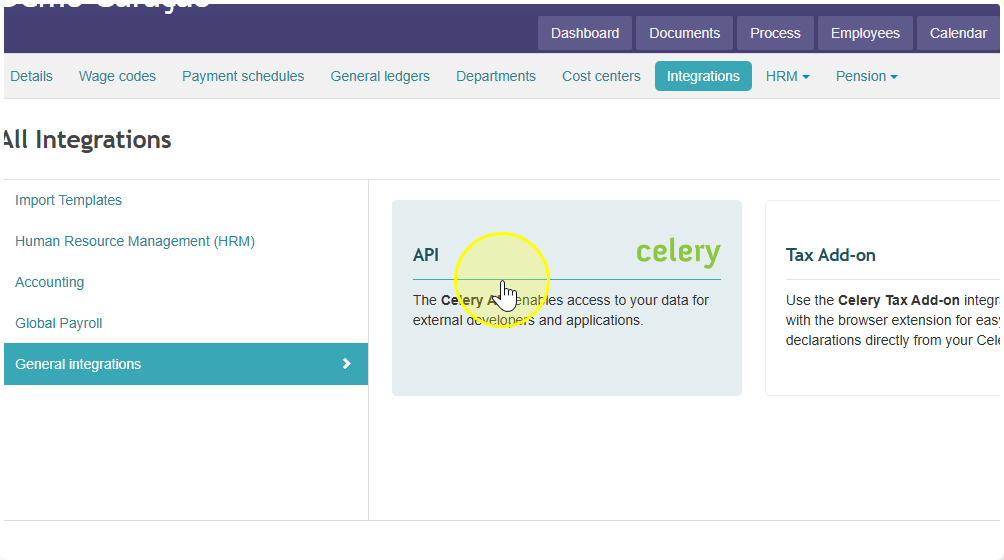 For your developers:
- API Documentation — how to build and connect integrations → developers.celerypayroll.com/docs
- Developer Portal (My Apps) — manage and register their apps → developers.celerypayroll.com/myapps