How to Log In to Celery
Are you logging in for the first time?
Your employer sent you an invitation by email. Open that email and click the link.
Can't find it? Check your spam or junk folder.
The link will ask you to create a password. Check the password requirements here.
The link works only once and expires after 24 hours.
If the link has expired, ask your employer to send you a new one. Celery cannot do this for you.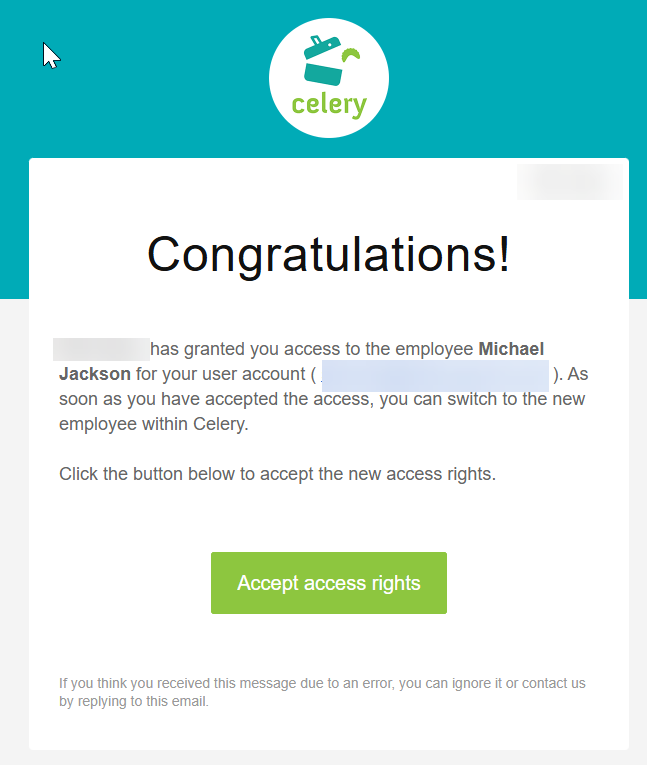
Save your login page
After clicking the link, you will see a login screen. Save this page as a Bookmark or Favourite in your browser. You will need it every time you log in.
Can't find your login page?
- Go to www.celerypayroll.com
- Click the green Sign In button at the top right.

Already have an account but joined a new employer?
You will get a new invitation by email. Click the link to add the new employer to your account. Read more here.
Have more than one employer in Celery?
You can switch between employers inside Celery. Learn how to switch here.
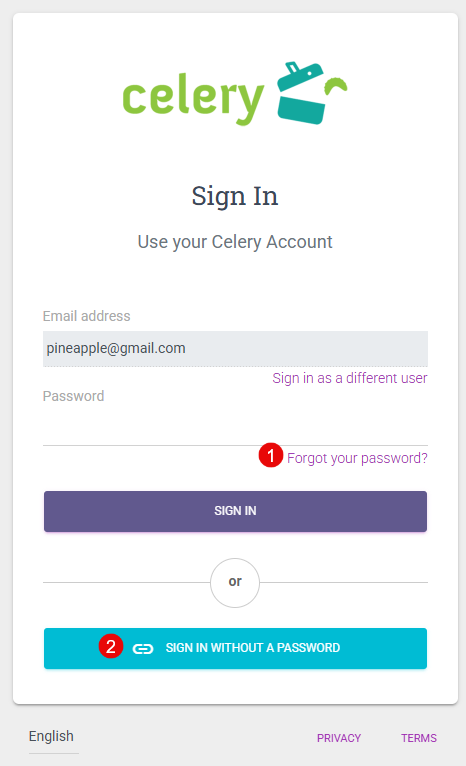
Forgot your password?
You have two options:
- Create a new password — reset it on the login page.
- Log in without a password — use a one-time link sent to your email.
Do NOT create a free demo account
It will not give you access to your employee account.
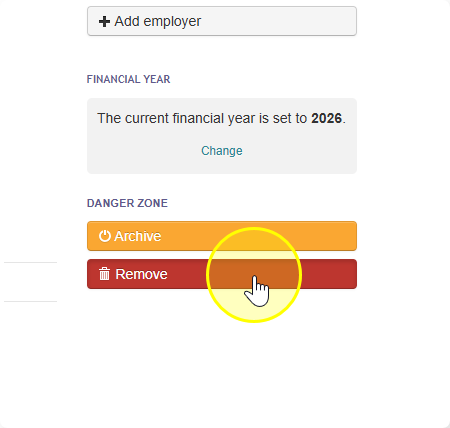
If you created one by mistake:
- Log in to that account.
- Go to Employer - Details.
- Delete the account.