Adding a New Employer to Your Existing Account
You have received an invitation from your new employer. Follow the steps below to get everything set up.
Step 1 — Find the invitation email
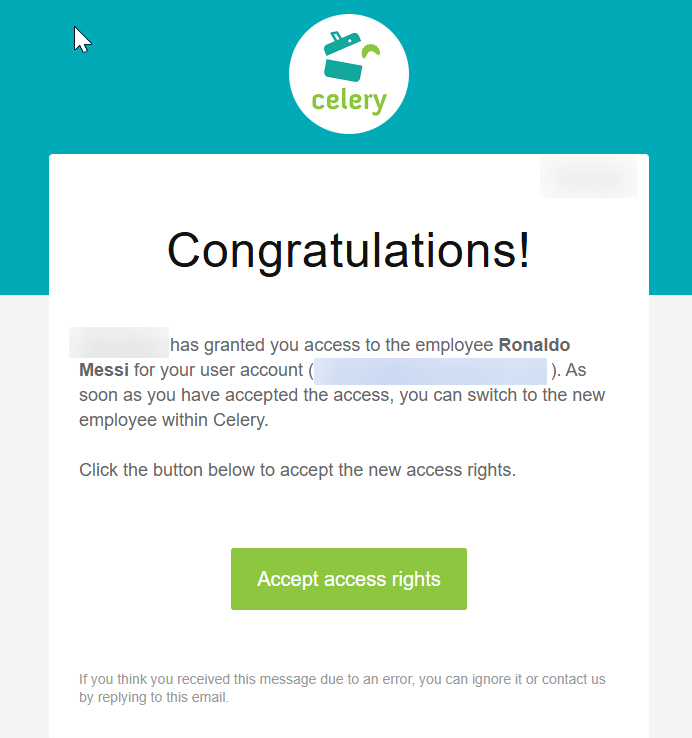
Check your email. Also check your junk/spam folder, as the invitation may have ended up there.
The email contains a link to your login page.
Save that page as a bookmark. You will need that link every time you log in for this employer.
Step 2 — Accept the invitation
You can accept the invitation in two ways:
Option 1 — Via the link in the email
Click the link. You will automatically be asked to accept the invitation.
Option 2 — Via your existing account
- Log in to Celery.
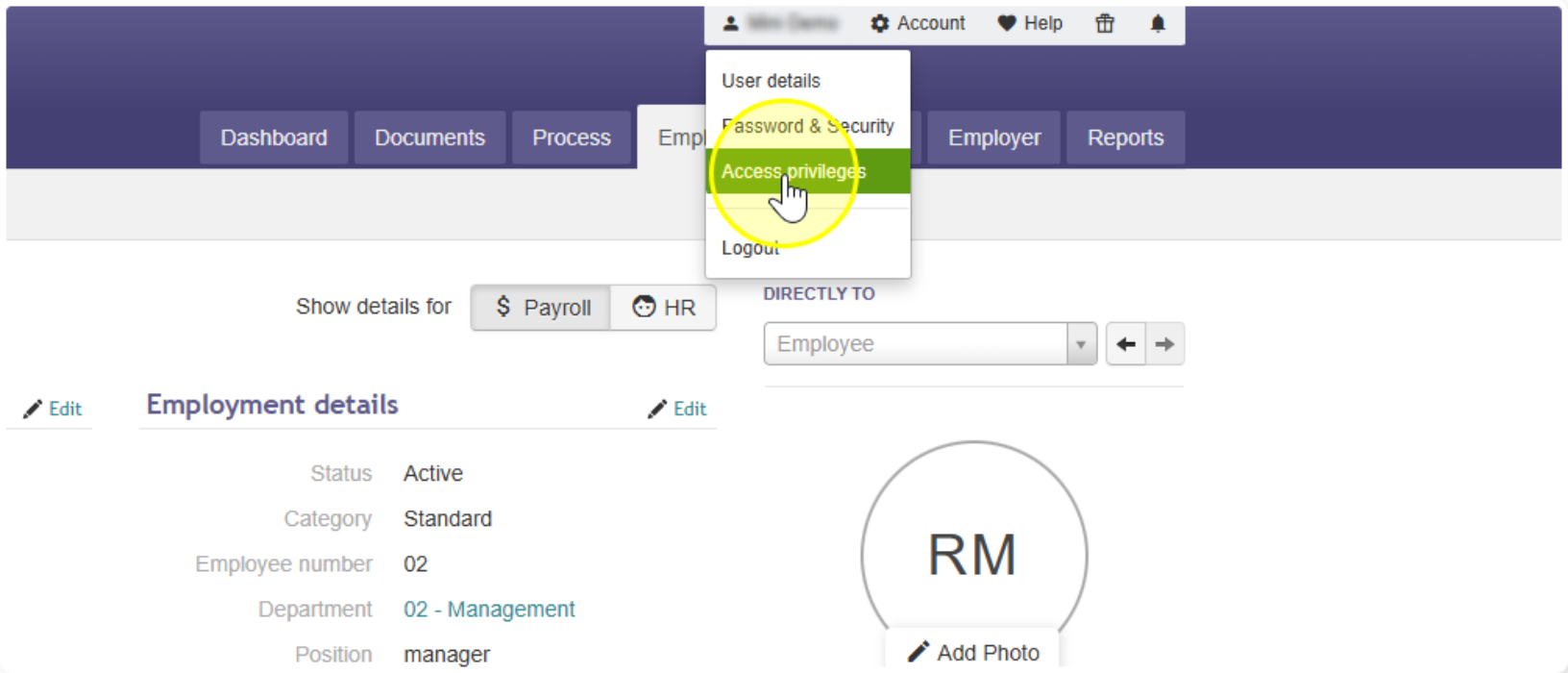
- Click your name at the top of the page.
- Go to Access privileges.
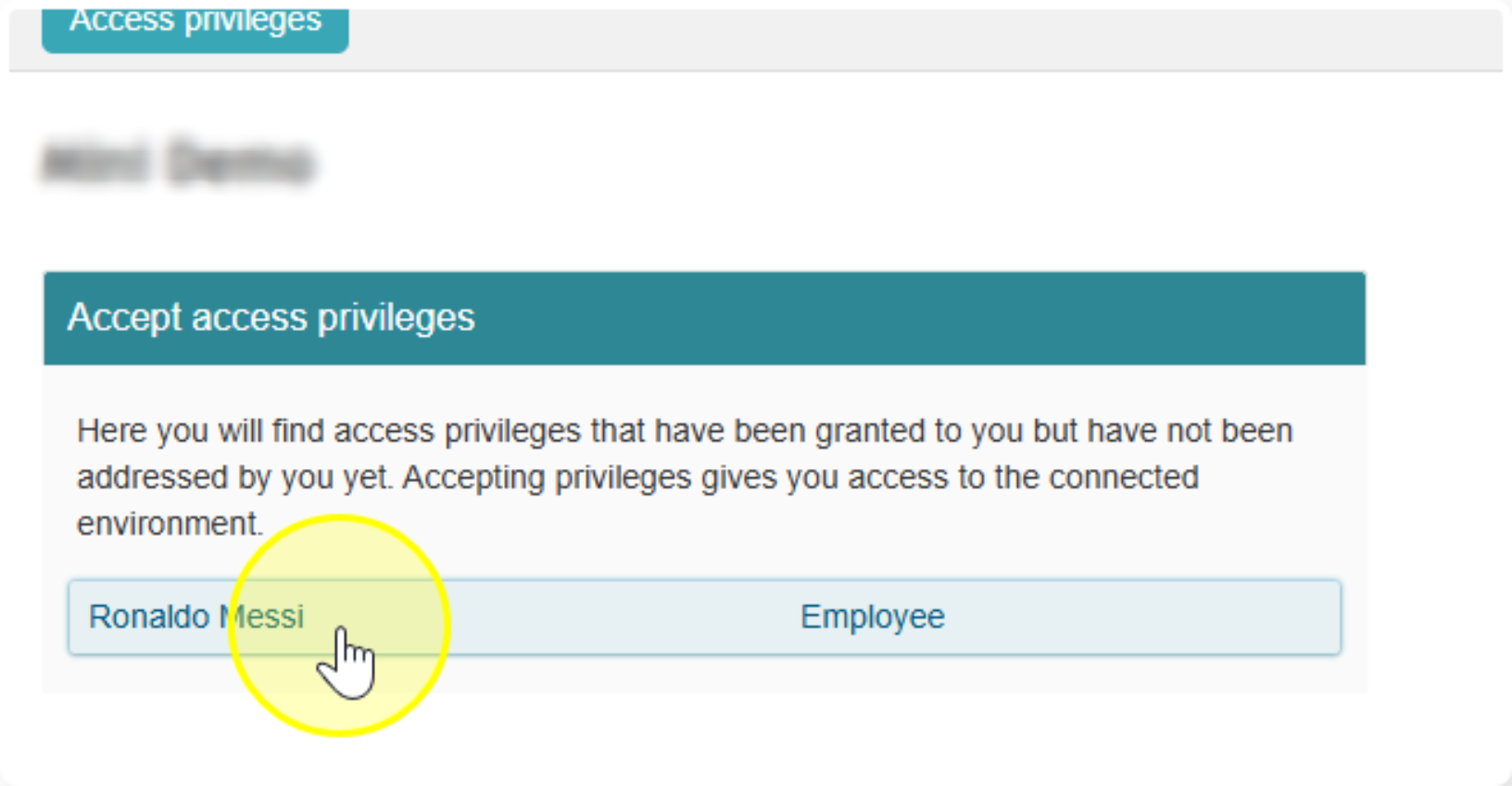
- You will see a request waiting. Accept it.
Step 3 — Switch between employers
That's it! You can now log in from both login pages. Want to switch between employers? Find out how via this guide.