A colleague left a pay run open. Can I take it over or close it?
Yes! You can't close another person's pay run directly, but you have a few options.
Option 1: Ask your colleague to close it (easiest)
Your colleague can log in from anywhere with an internet connection. Ask them to close the run. After that, you can reopen it and make changes if needed.
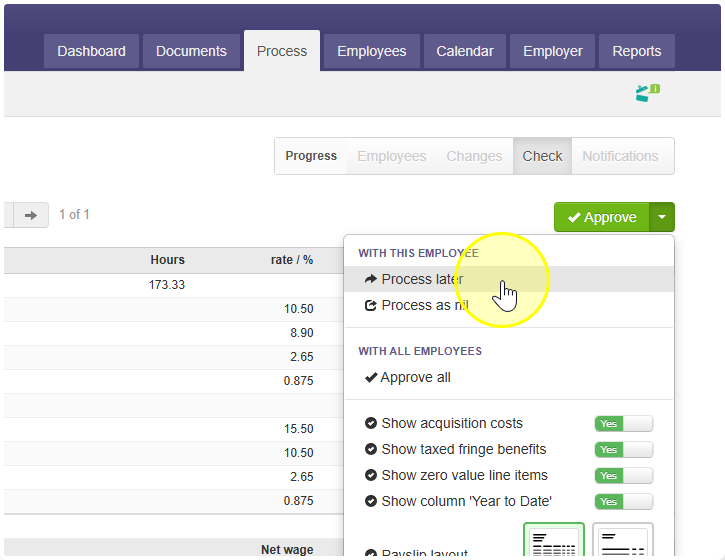
Option 2: Process the employees later
You can set the employees in the run to "process later." If you do this for all employees, the run disappears. There's nothing left to process, so the run closes itself.
Option 3: Take over the run by removing your colleague as a user
You can remove your colleague as a user in Celery. Go to Account → Users. Celery will then ask: "Who should take over this person's open pay runs?" Pick yourself. Now you can finish and close the run.
Downside: you'll need to create a new Celery account for your colleague afterwards.
Here's how to add or remove a user: How do I add or remove an administrator or standard user?