How to add a new employer to your organization
Adding a new employer only takes a few steps:
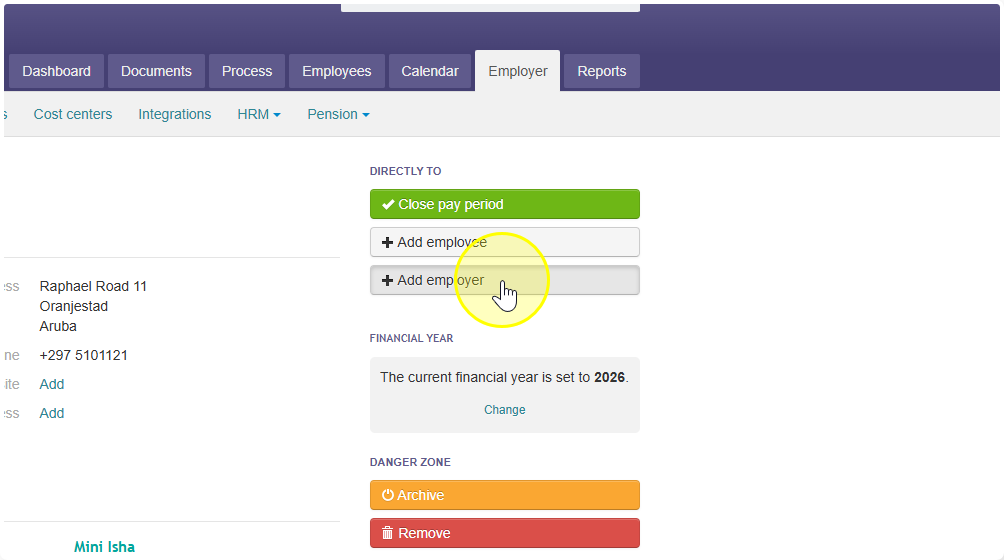
- Go to the Employer tab.
- Click Add employer.
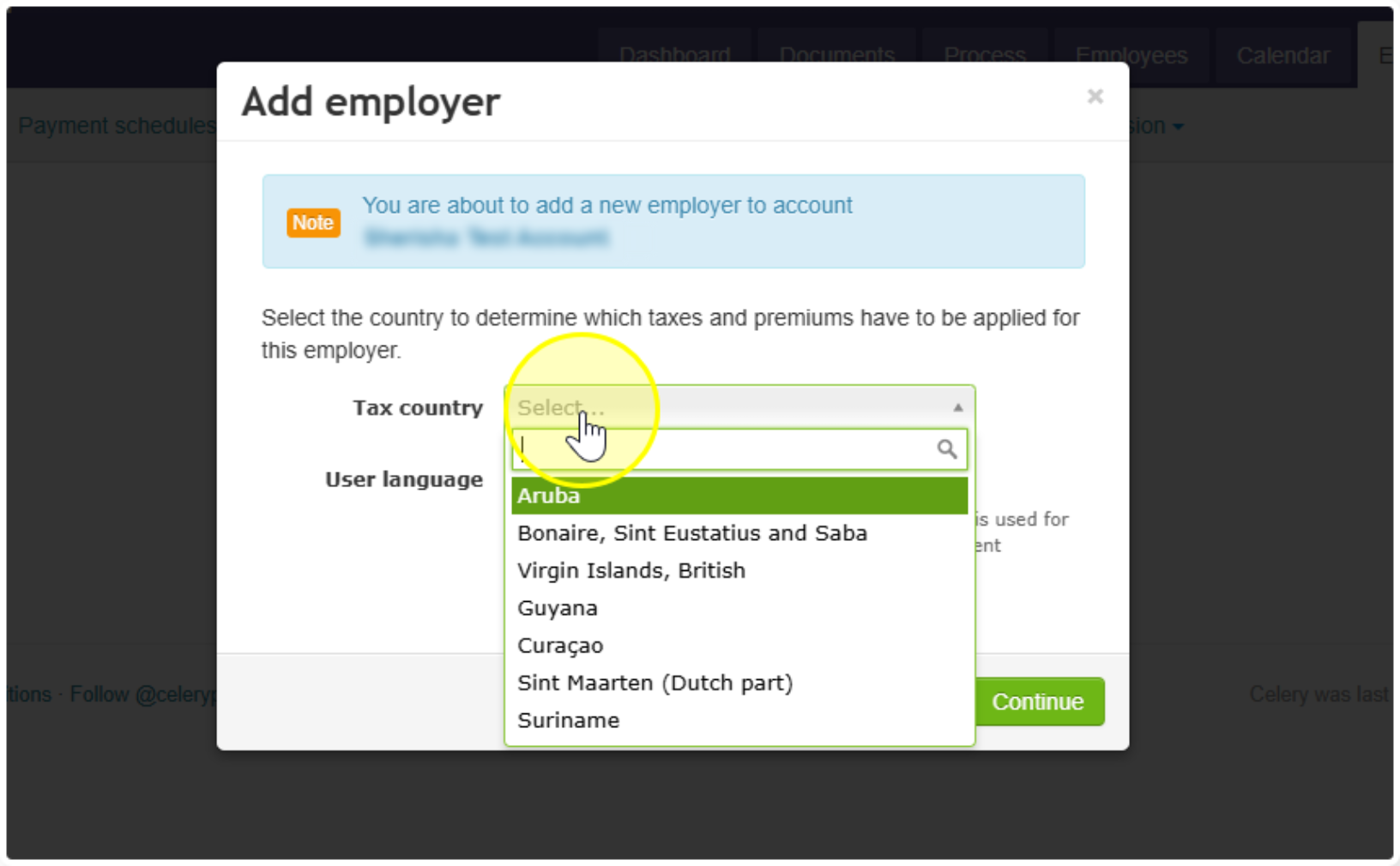
- Choose the tax country for this employer.
- Choose your standard language.
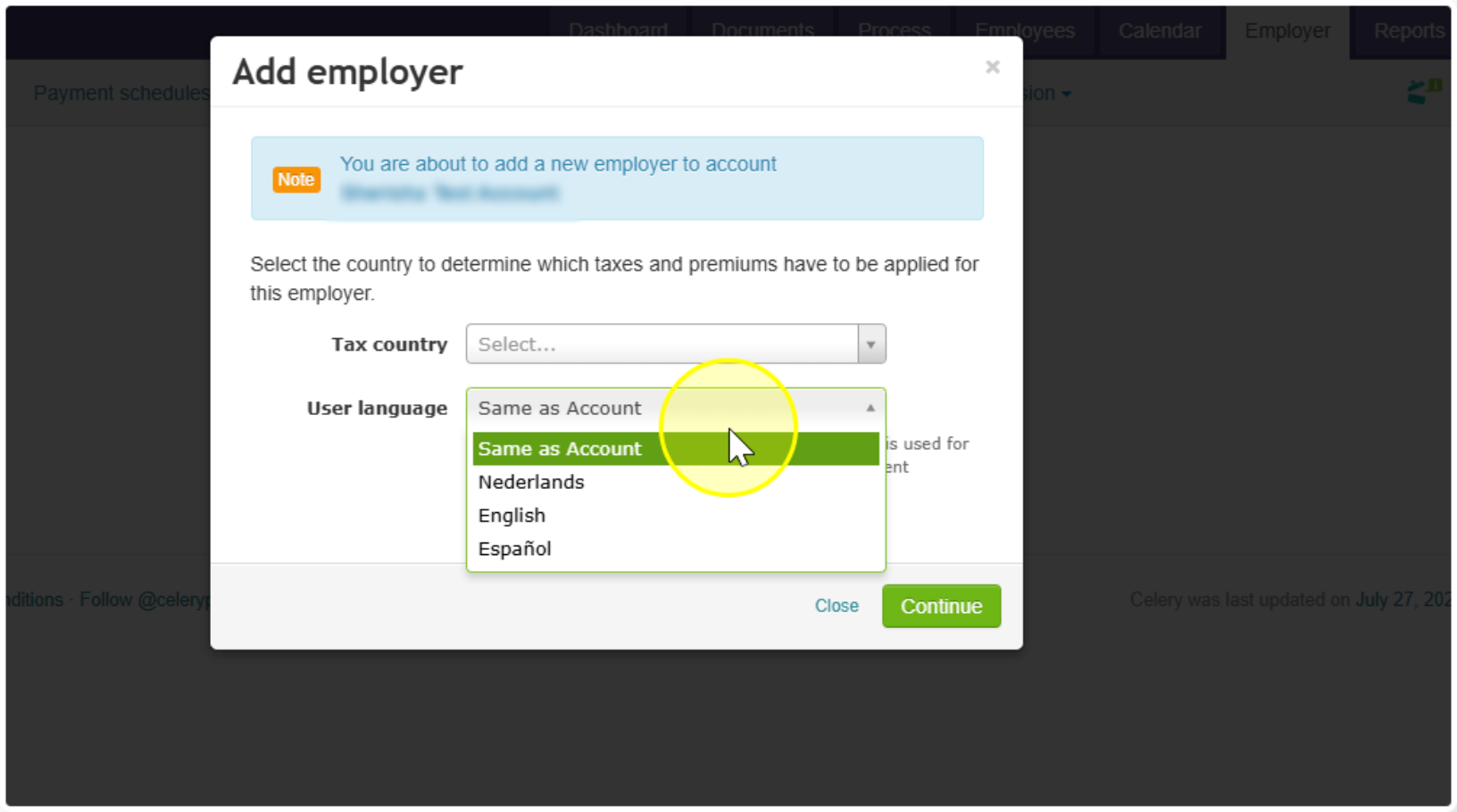
- Click Continue and fill in the employer details.
That's it, your new employer is ready to set up.
Prefer to watch instead of read? The Celery instruction video below shows you every step: