Can I invite all my employees at once to create their Celery account?
Yes! Here's how to do it in 3 easy steps:
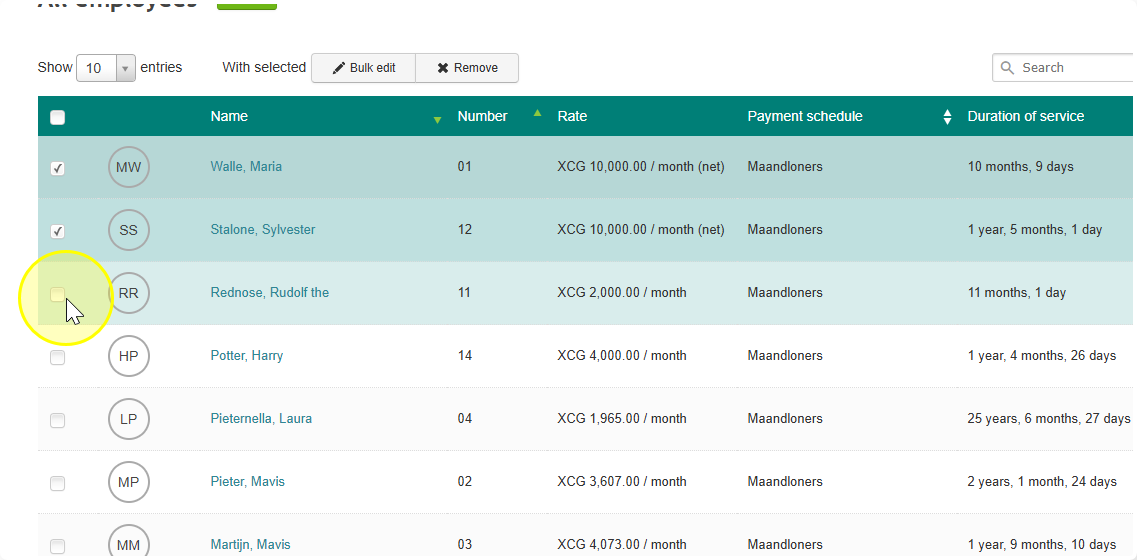
- Select your employees — tick the boxes next to the employees you want to invite. You can select all of them at once.
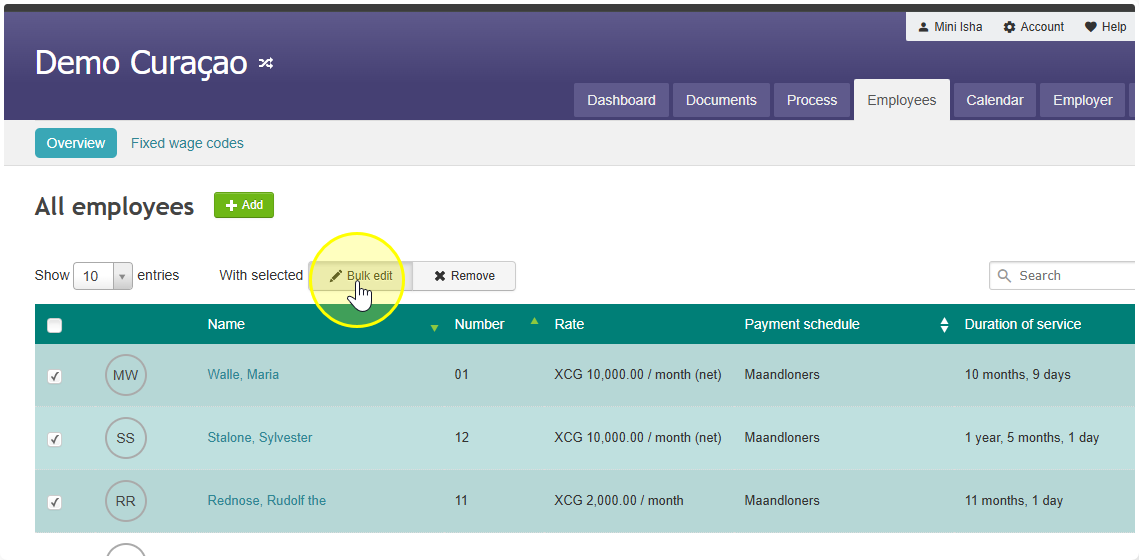
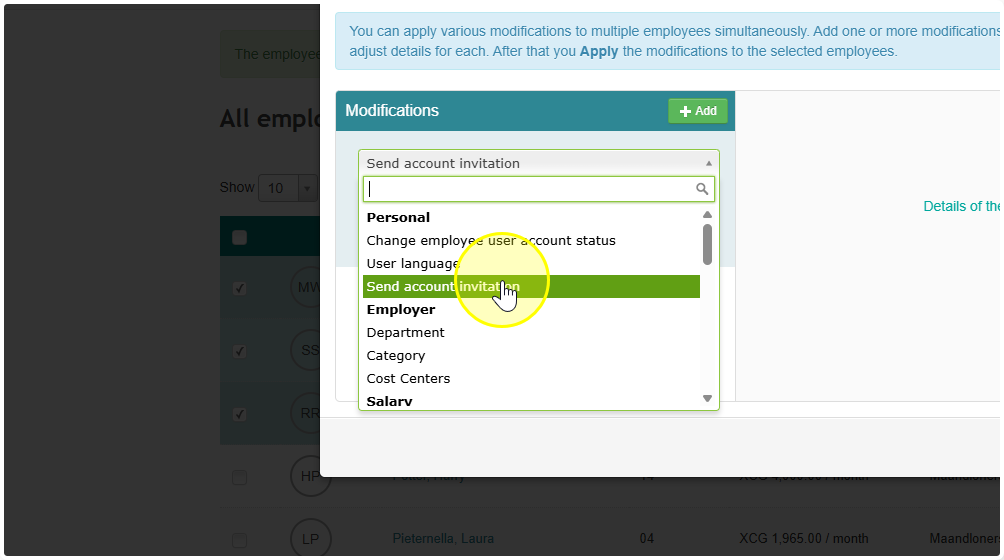
- Click "Bulk edit" — a button will appear at the top of the list. Click it, then choose "Send account invitation" from the menu.
- Send the invites — turn on the toggle switch and click Apply. Everyone you selected will get an email with a link to set up their account.
That's it! They'll all get the invite at the same time. ✅