I reopened a closed pay run from the past. Now I see differences in taxes, premiums and net salary. What should I do?
You have two choices.
1. Cancel the reopened pay run
- Click Cancel at the bottom of your screen or the cancel button in Regular run.
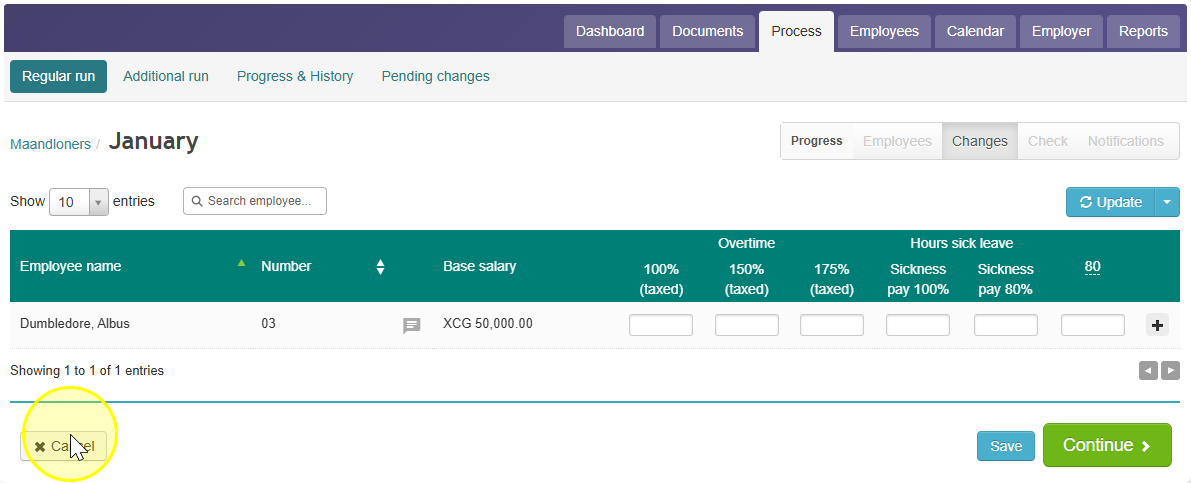
OR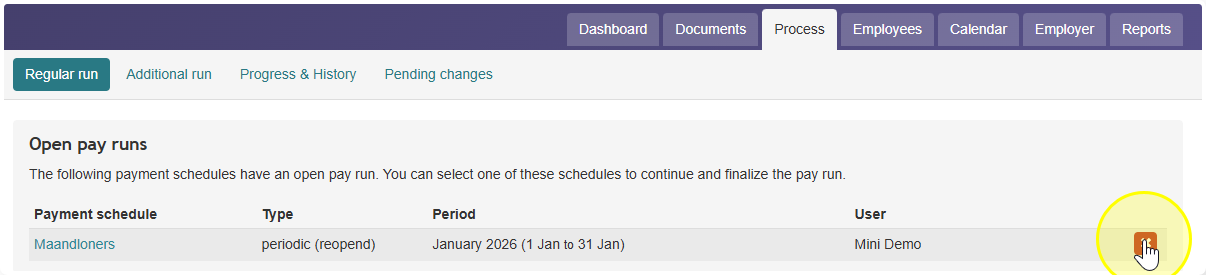
- Celery keeps the original pay run, with no changes.
2. Keep the changes
- Approve the changes.
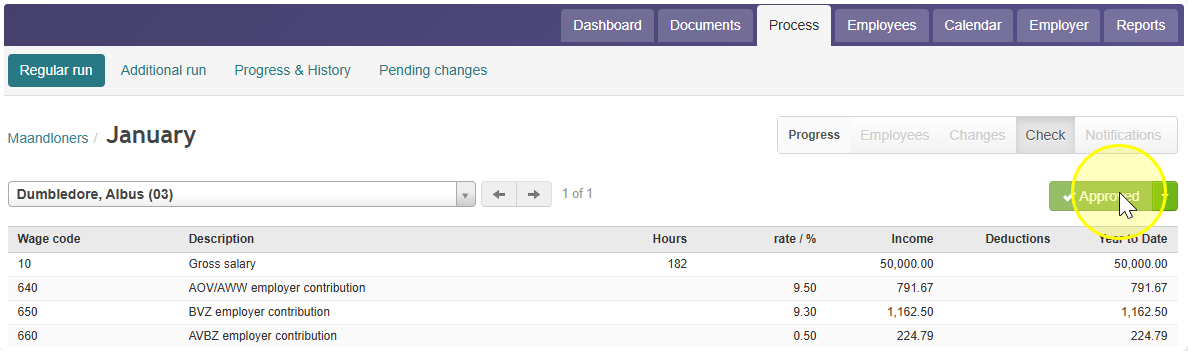
- Approve and finalize the pay run.
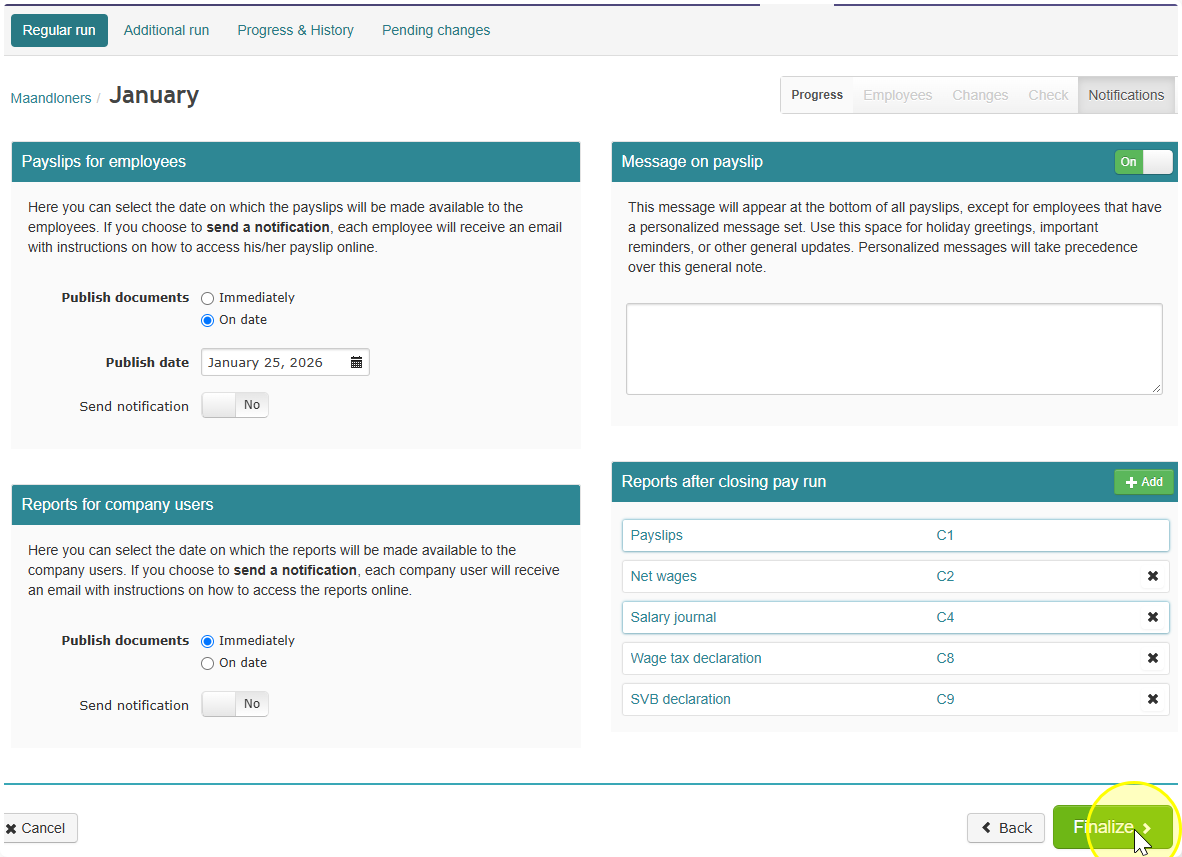
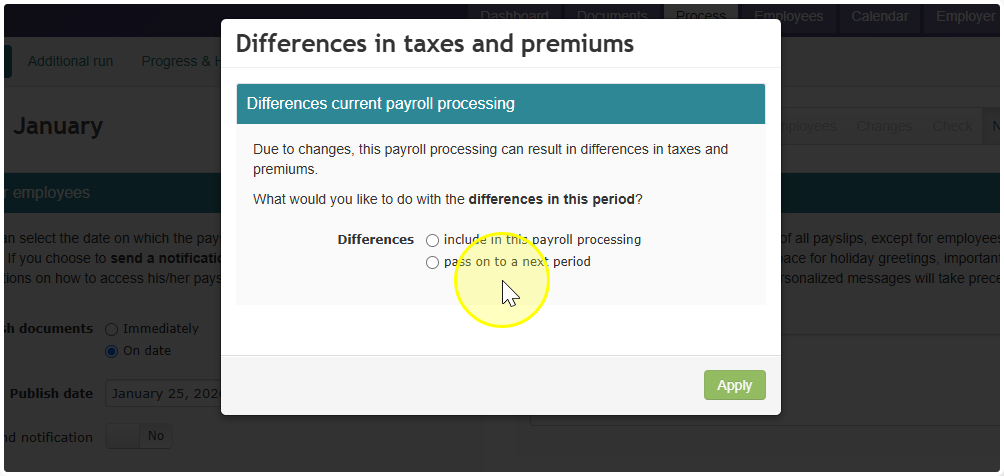
If you keep the changes, Celery asks what to do with the differences in taxes and premiums:
- Include them in this pay run, or
- Move them to a later pay period
Tip: Have you already filed the Wage Tax and SVB/SZV declarations for this period? Then choose Move them to a later pay period.