How to export an employer from Celery
You need to be an account user to do this.
Step 1 — Go to your account settings
Click on Account (next to your name at the top). Then open the Import & Export tab.
Step 2 — Choose the export
Click on Export employer. Then select Celery export.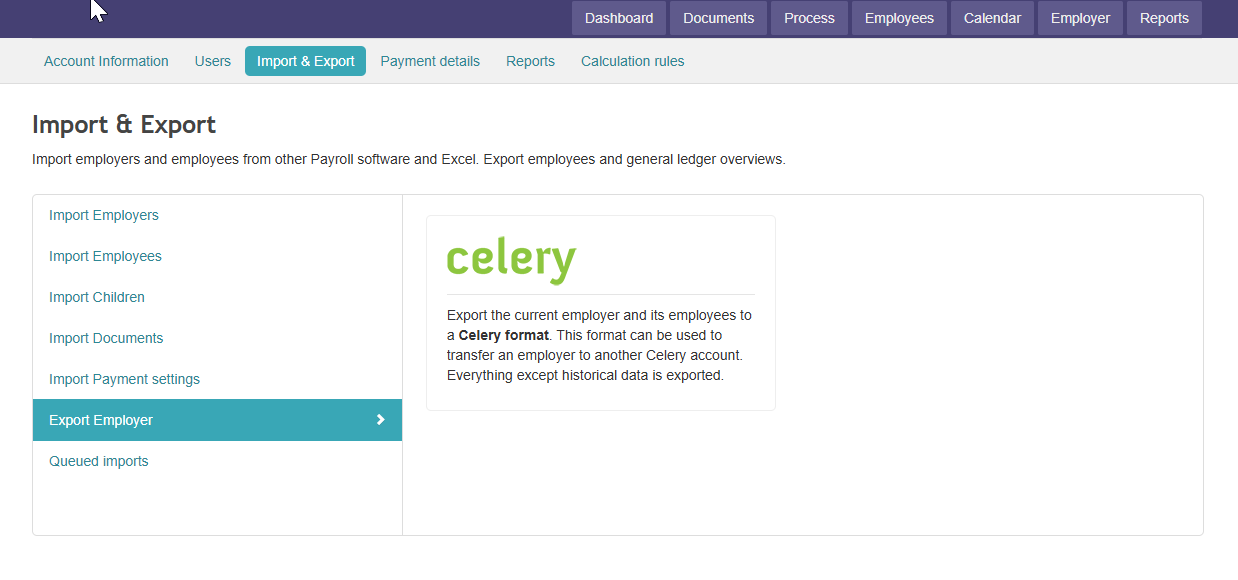
What happens next?
You can now download the export file. You'll also see a summary of what's included.
The file lands in your Downloads folder. It's a .zip file (a compressed package of files).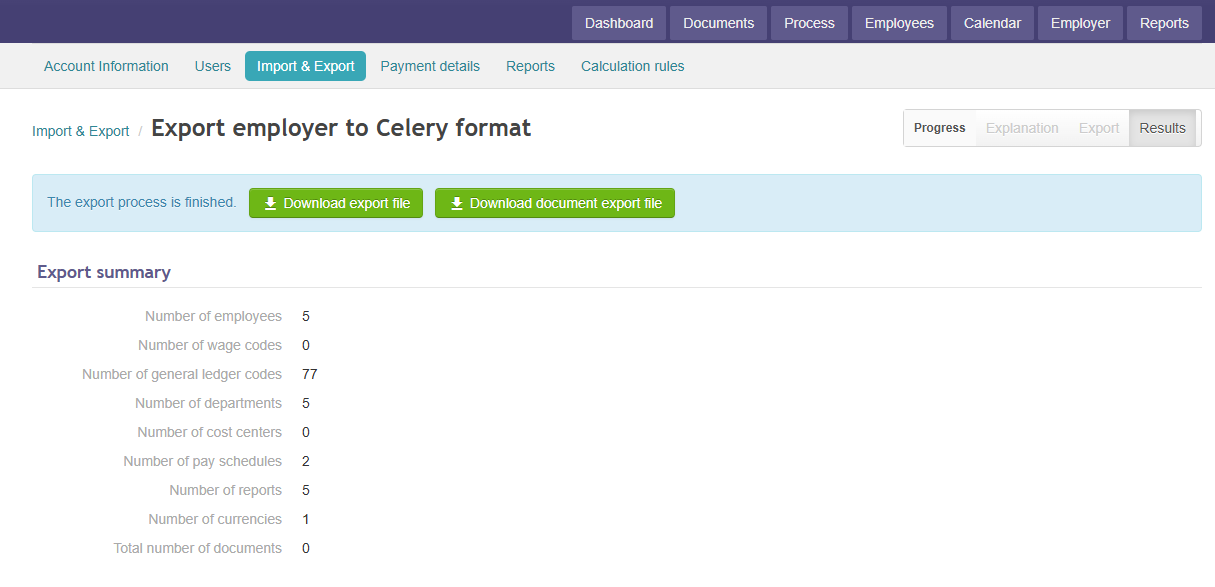
What's in the export?
All fixed data (like employee details and settings). No historical data (like documents or past payroll runs)
Want to import this file into another Celery account?
You can! Just use the Celery import option in the other account. Read how to import employees here