Can I export my salary journal from Celery to my accounting software?
Yes! Celery can send your salary journal directly to your bookkeeping program.
Here's how:
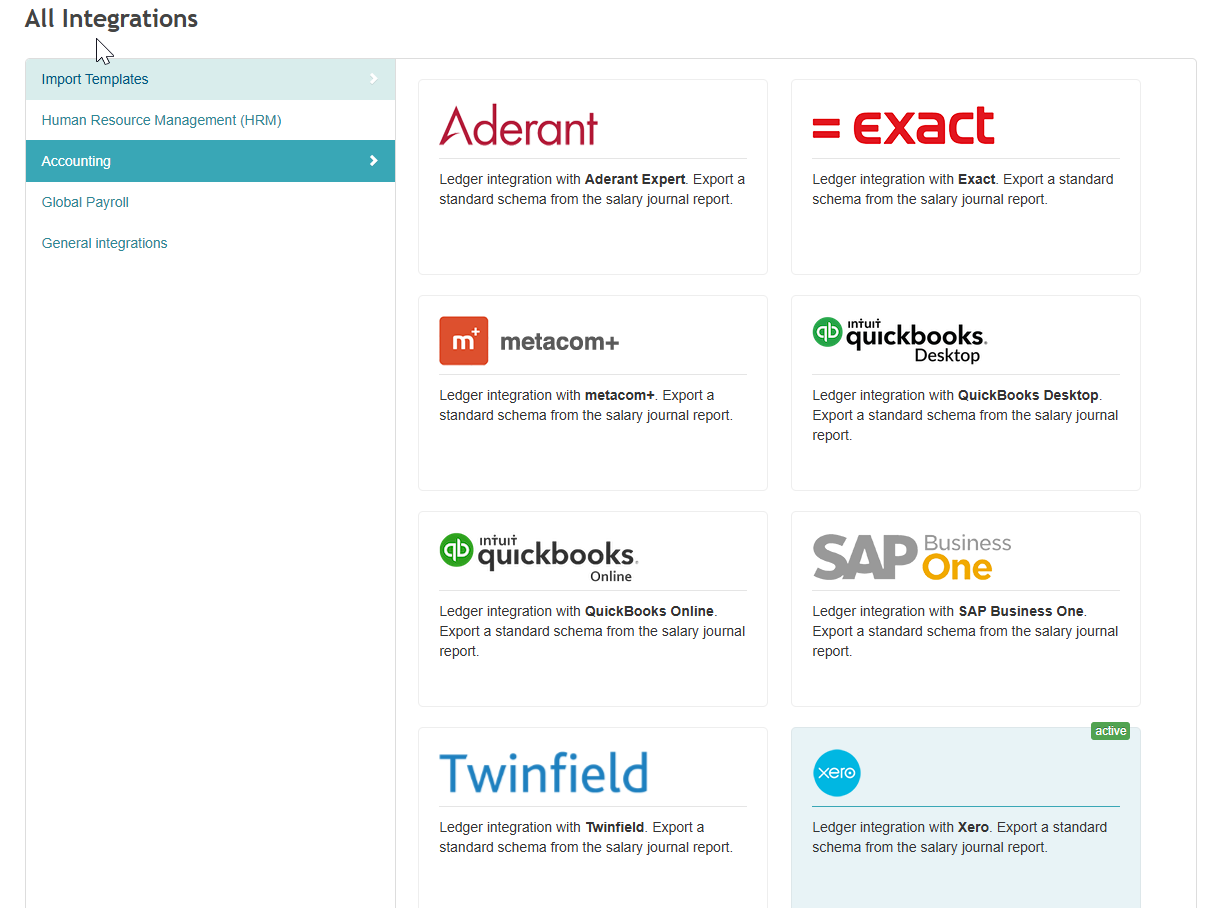
Step 1 — Turn on the connection
- Go to Employer → Integrations → Accounting
- Pick your bookkeeping program from the list
- Click on it to activate it
Step 2 — Check your account numbers first
Before you export anything, make sure the account numbers in Celery exactly match the ones in your bookkeeping program. If they don't match, the import will go wrong.
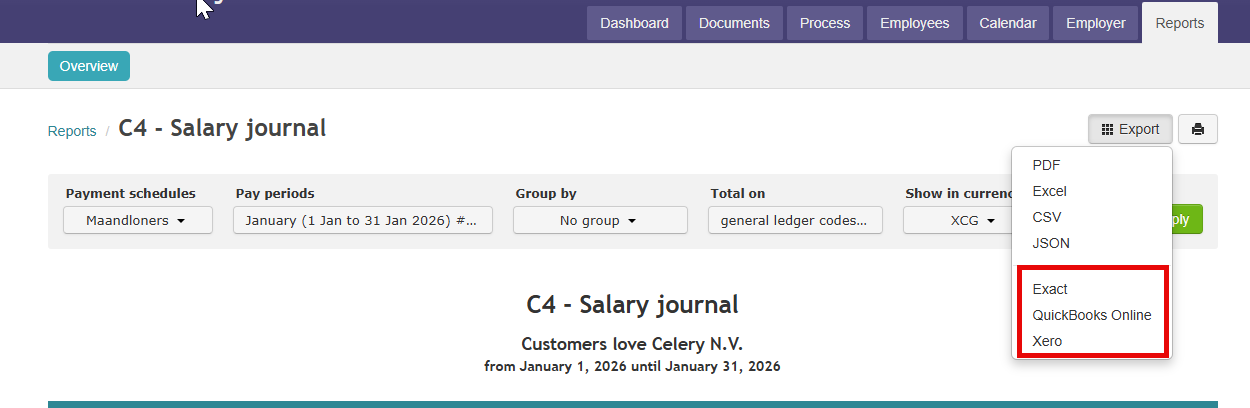
Step 3 — Export the journal
- Go to Reports → Frequently used reports
- Open Report #4 – Salary journal
- Click the Export button
Step 4 — Import into your bookkeeping program
Every program works a little differently. Check the help section or support of your bookkeeping program to find out how to import the file.
Not sure which account numbers to use? Check with your accountant or the support team of your bookkeeping program.