Can I bring in data from other payroll software?
Yes! Moving your data to Celery is simple. You have two options:
- Upload a file — use a CSV or Excel file (.xlsx)
- Upload a zip file — for larger sets of data
Coming from another payroll system? Celery can directly import data from these programs:
- Payroll4
- Payroll Pro Classic
- Payroll Pro Ultra
- Qwanto!
- Rainbow
- PayTime
How to get started: In Celery, go to Account → Import & Export. There you'll see all your options and the instructions are in the tiles.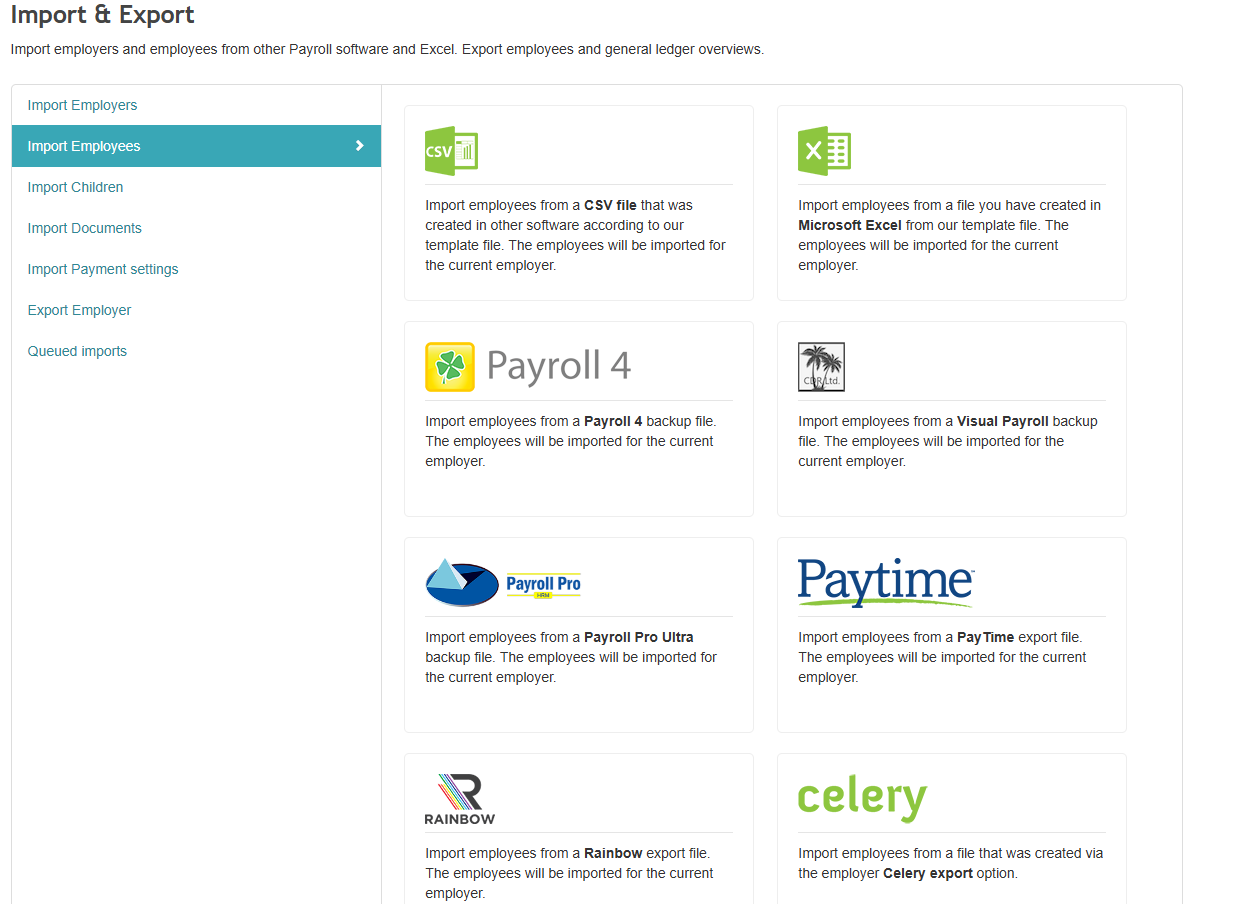
Need help moving your data? No problem! Our support team helps you free of charge.
support@celerypayroll.com ? +599 9 679 5538