How do I add a business logo?
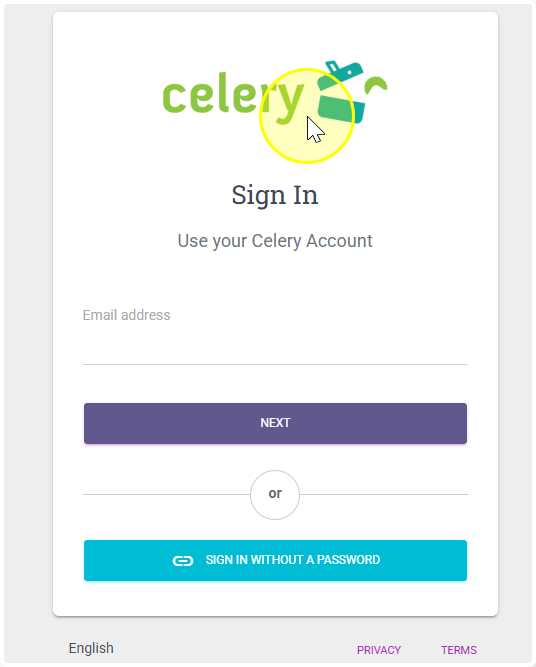
You can add your logo so it shows up on the login screen and pay slips.
Before you start, make sure your logo file:
- Is a .jpg or .png file
- Is at least 480 x 400 pixels in size
Logo on the login page:
- Go to Account
- Click on Account information
- Find the Logo section
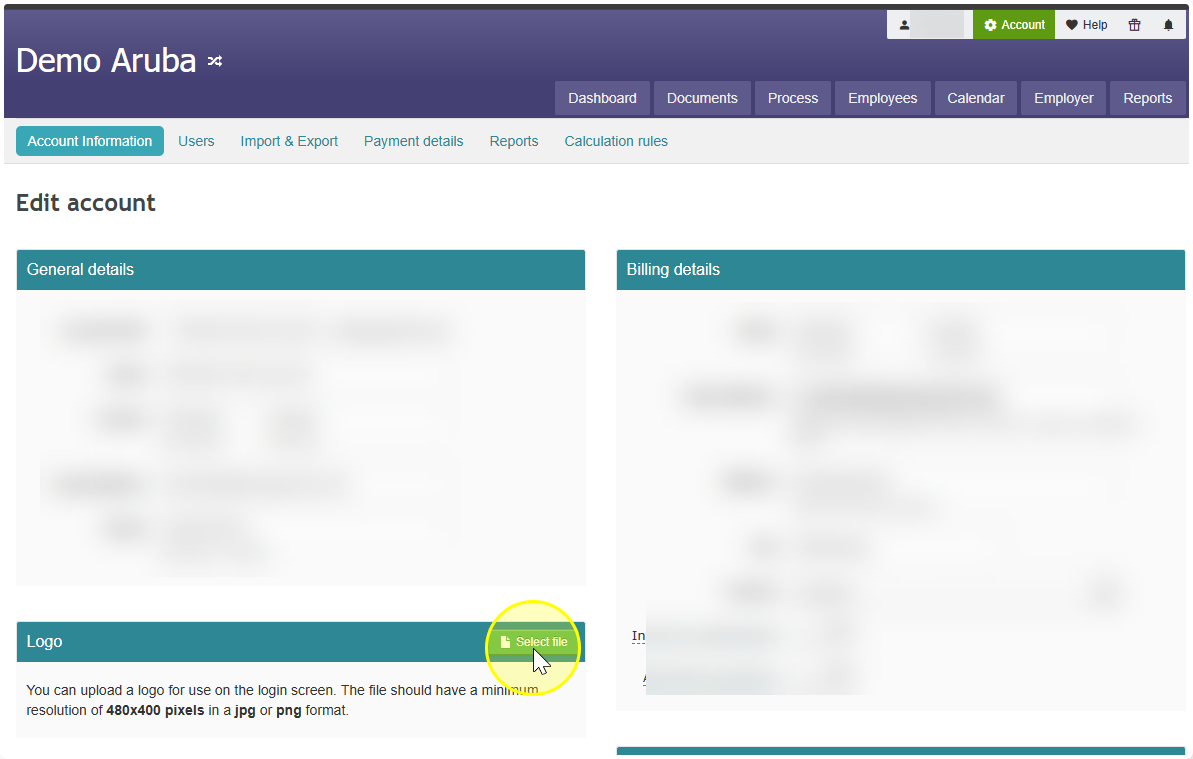
- Select your logo file and click Save
Done! Your logo is now visible on the login page.
Logo on payslips:
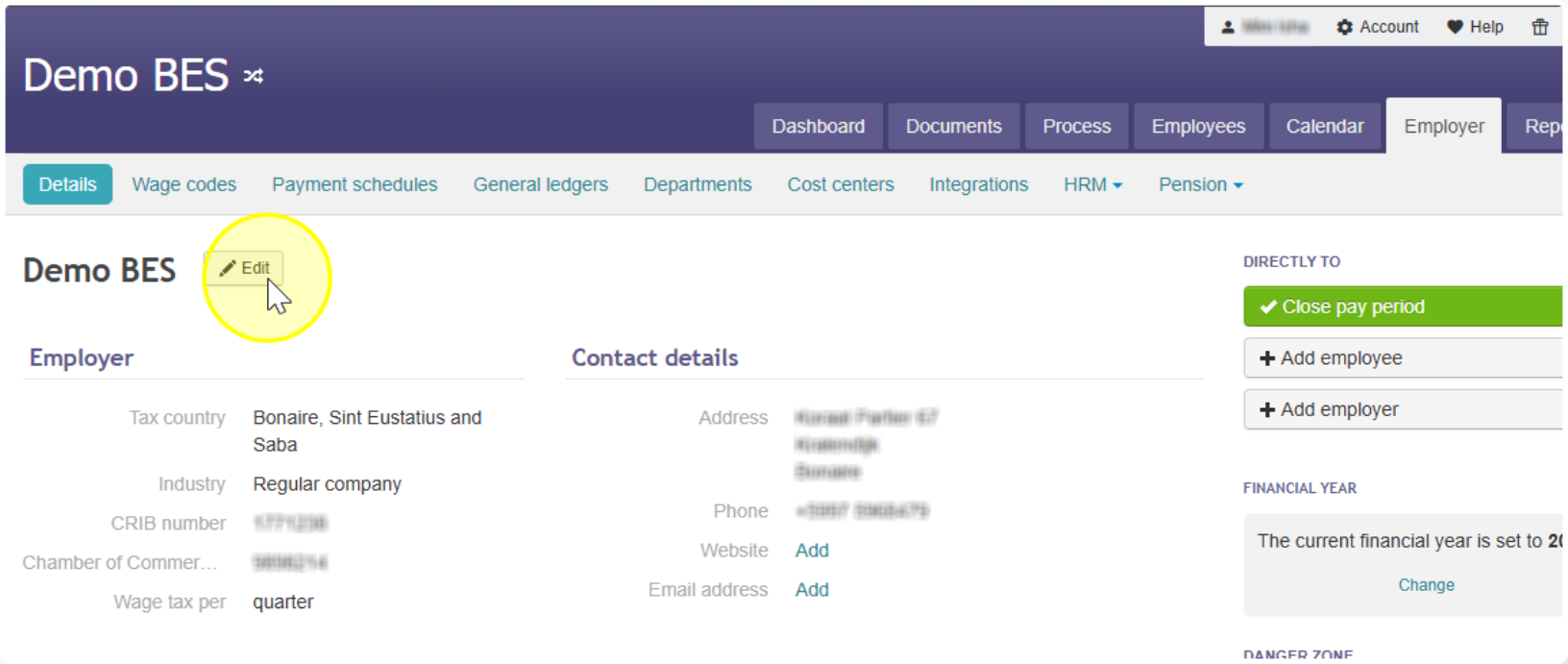
- Go to Employer, then click Details
- Click Edit next to your company name
- Find the section called Business logo
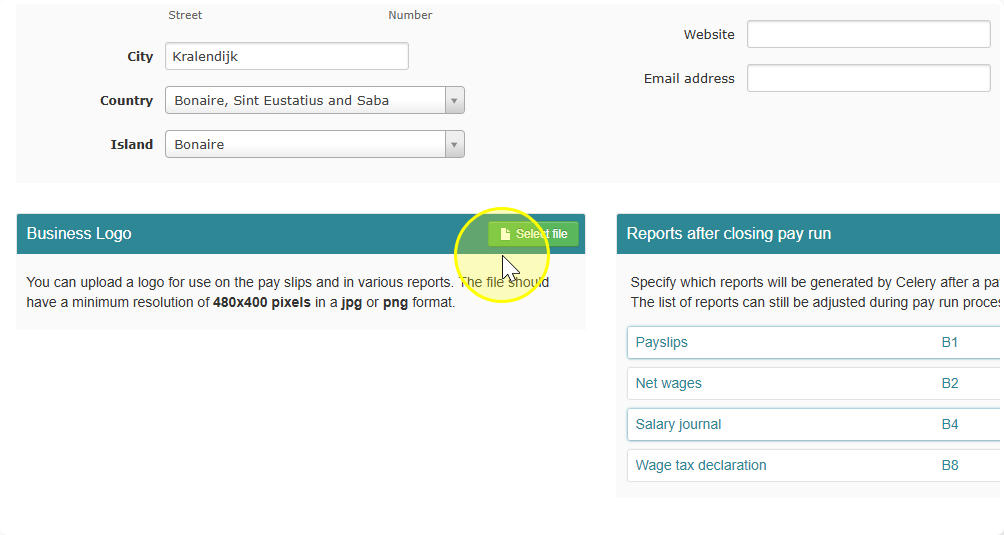
- Select your logo file and then click on Save
- Done! Your logo is now uploaded.
Tip: The logo added via Account information appears only on the login page. The logo added via Employer - Details appears only on payslips. Want it in both places? You'll need to upload it in both places.